The app creates web galleries from selected images. It offers browser compatibility and supports premium themes, with a free "Classic" theme included by default.
by Igor Belyaletdinov★ 0.00 ratingsPhoto & VideoFreeData updated 2026-10-29
The app allows users to create black and white photographs with adjustable light, contrast, texture, and shape. It offers a spotlight tool and various filters to transform images into classic or modern styles.
Edit photos by adding hats, wigs, shades, costumes, and accessories. Choose from 350+ free and 480+ premium objects. Adjust elements with intuitive tools. Save and share edited images directly.
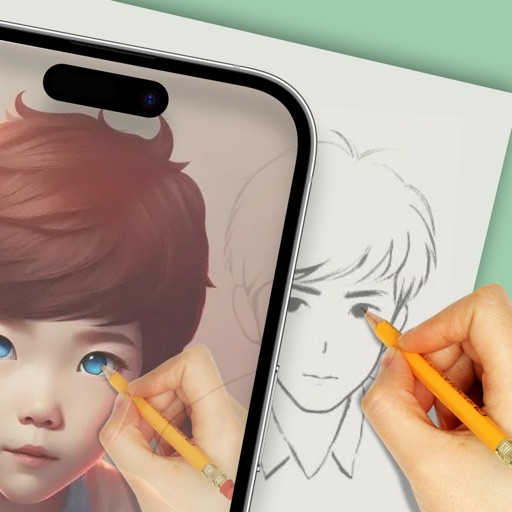
Use augmented reality to draw on any surface. Create sketches with AI-assisted tools. Select and customize NFT images from your phone gallery. Export drawings in various formats. Share artwork directly from the .
Allows users to apply effects to backgrounds. Select images from the gallery or capture new photos. Use multiple blurring tools to adjust the effect. Export edited images directly.
Manage multiple webpages and files simultaneously. up to four browser windows side by side. Resize windows freely. Support picture-in-picture for videos. Bookmark favorite sites quickly. Automatically record browsing history.
Creates artwork or photos based on text input and style choices. Edit photos with advanced tools for precise adjustments. Explore artistic inspirations and save or share finished projects.
Personalized by selecting photos or from the gallery and applying favorite frames. Adjust images with zoom, rotate, and move gestures. Choose background music or mute the video. Save and share the final video through social media apps.
Set device wallpaper and lock screen with -themed images. Apply colorful egg and bunny designs. Add stickers to lock screen. Customize backgrounds for home and lock screen.
Create photos with customizable . Select from options. Add photos from gallery or capture new ones. Apply filters for enhanced appearance. Include stickers or emojis. Save and share edited images.
Create cards using predefined themes. Customize design elements like text, colors, and logos. Save, download, and edit cards anytime. Manage multiple cards in one place. Export cards in printable format.
Create collages by combining multiple photos from the gallery. Choose from various frames and themes. Apply filters to enhance images. Share collages directly to social media platforms. Edit individual photos with cropping and adjustment tools.
Set with HD and 4K resolution for homescreen or lockscreen. Choose K-pop images for social media profiles on Facebook, Twitter, Instagram, and TikTok. Select and apply high-quality images directly within the .
Create and share silly photo strips with friends. Capture multiple images in a single session. Apply funny filters and effects. Add text and stickers to images. Share photos via social media or messaging apps.