Apps Like Calligraphy Handbook for iPhone and iPad
Write letters, practice strokes, improve structure
Practice to improve handwriting through structured letter formation and proportions. Write larger letters for accurate curves and lines. Track progress with practice sessions and receive feedback on letter quality.
by Yongjie HU★ 4.5518 ratingsEntertainmentFreeData updated 2026-09-09
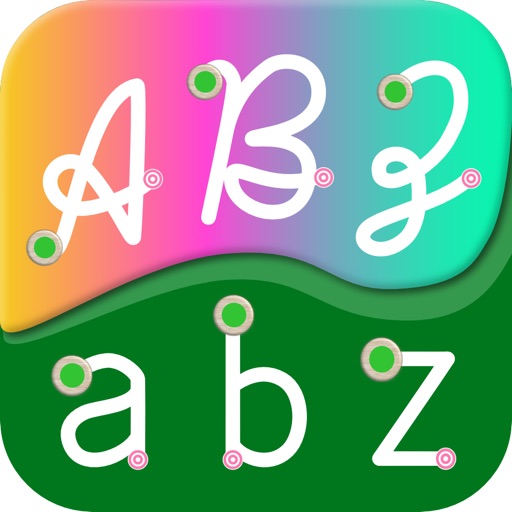
Learn to write English letters with uppercase and lowercase options. Practice with finger or Apple Pencil. Receive instant feedback on letter formation. Progress through structured lessons from A to Z. Track improvement with interactive exercises.
Edit photos by adding text with customizable fonts and calligraphy styles. Insert names as signatures with unique designs. Adjust text size and placement. Share edited images directly.
Solve puzzles by finding and marking hidden words in grids. Words are made of orthogonally adjacent letters. Each letter can be used once per . Choose from 21 categories including animals, plants, and occupations.
Turn iPad into a wireless whiteboard. Annotate PDFs and images live by projecting them to a computer on the same network. Draw, write, and highlight in real time using the iPad's screen. Share annotations directly from the web browser.
Write content such as paragraphs, essays, and emails for various age groups. Generate AI art and stories. Solve tasks with AI experts. Fix issues and access 3000+ GPTs for different needs. Compose poems and songs.
Teach letters through activities. Explore touchable toys and guided tours. Sing along with letterbots. Type words by matching letter keys. Trace letters and words. Add custom pictures and words.