The app converts user photos into latte art on the iPhone. It offers a gallery of photos and sketches for users to try and allows sharing latte art with friends on selected social networks.
by YUBI★ 2.84 ratingsPhoto & VideoFreeData updated 2026-10-29
The app allows users to generate polygon patterns automatically or manually. Users can customize colors, sizes, and contrast to create abstract art or convert photos to geometric designs.
Edit photos with one-touch filters for vivid, delicious results. Adjust brightness, contrast, and saturation. Add text overlays and stickers. Share edited images directly to social media or blogs.
Create artwork or images using AI-generated art and avatars. Design custom profile photos or social media content. Generate unique visuals with AI assistance. Edit and export created images in various formats.
Create AI-generated art from descriptions. Choose artistic styles and parameters. Generate images using advanced models like DALL-E 3, Midjourney, and Stable Diffusion. Edit and refine outputs. Save and share final artwork.
Color and relax with art pages and custom photos. Use paint bucket and tooltip tools for efficient coloring. Share time-lapse creations with friends. View a wide variety of images to color. Import personal photos from camera or library.
View live video feed from connected dash cam on iOS device. Download and share videos directly from the camera to iOS. Control camera functions like taking photos and recording videos via iOS.
Edit photos with mosaic, pixelation, vignette, overlays, and HDR effects. Apply shattering effects with real-time adjustments. Export edited images in various formats and share directly.
Create stickers by drawing lines to separate objects from photos. Store and share stickers via social media or messaging apps. Use stickers to design collages and combine with photos for creative images.
Edit photos, create avatars, generate digital artwork
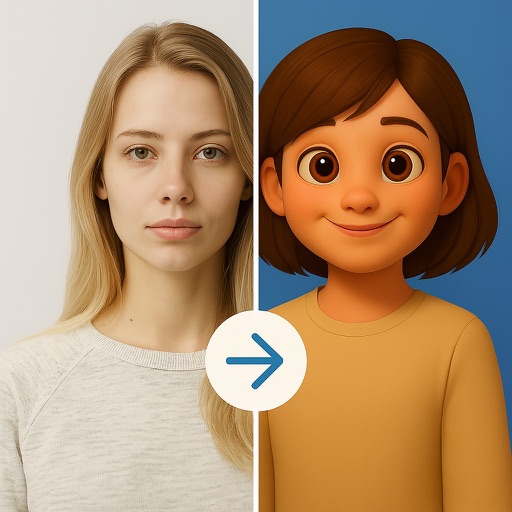
Edit photos with AI-powered effects, including 3D avatars, anime-style portraits, and pencil sketch filters. Customize artwork with color adjustments and effects. Export and share transformed images directly.
The app allows users to create silhouette effects images and collage pictures. Users can merge photos or collage pattern images into silhouette effects.
Create art by selecting styles and swiping the screen. Customize canvas settings including opacity, size, and layers. Combine tools to explore creative possibilities. Save and share artwork directly.
Edit photos and drawings with AI filters for artistic styles. Create custom filters using neural networks. Upload images to generate new styles. Draw pixel art and save creations in collections. Publish artwork on NFT platforms.
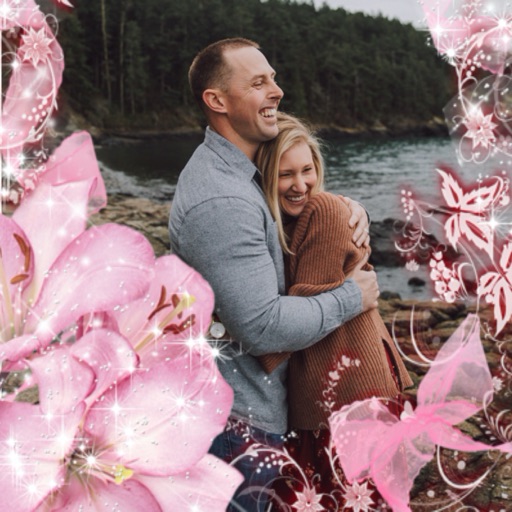
Select a or take a new one with the camera. Choose from over 30 colorful to decorate images. Apply different frame styles and designs. Save edited photos to the gallery and share them on social media.
Edit photos , background music, and text overlays. Add animated effects and customize layouts. Share edited photos directly to social media or messaging apps.
The app allows users to collect photos into art frames. Users can choose frames, select photos from their gallery or camera, apply effects, and adjust images with zoom and rotate functions.