Turn photos into paintings with one-tap conversion. Edit, add signatures, and share on social media. Print artwork via CanvasPop with frame and size options. Transform videos into animated paintings.
by Code Organa LLC★ 4.813,974 ratingsPhoto & VideoFreeData updated 2026-09-09
The app transforms photos into halftone and rasterized artwork using dots, lines, and shapes. It offers creative modes like Grid, Interlaced, Radial, and Photo, with options for bicolor, multicolor, or full color.
Break pixels in classic -style gameplay. Reveal hidden images and destroy paintings. Tap to launch bricks and clear levels. Track progress and unlock new challenges. Share scores with friends.
Turn photos into studio-quality images with AI enhancements. Create animations and face expressions. Apply artistic styles like 3D and sketch-to-realistic. rtistic emojis and animated faces from selfies. Export and share transformed images.
Transform photos into -style images or cartoon avatars using AI. Apply filters like toonify, face child, and reface. Edit portraits with artisan tools. nime or 3D characters. Share edited images directly.
The app provides a drawing experience for all ages. Users aim and shoot colored cannonballs to create artistic splashes on a canvas and use brushes to draw.
Edit photos, create avatars, generate digital artwork
Edit photos with AI-powered effects, including 3D avatars, anime-style portraits, and pencil sketch filters. Customize artwork with color adjustments and effects. Export and share transformed images directly.
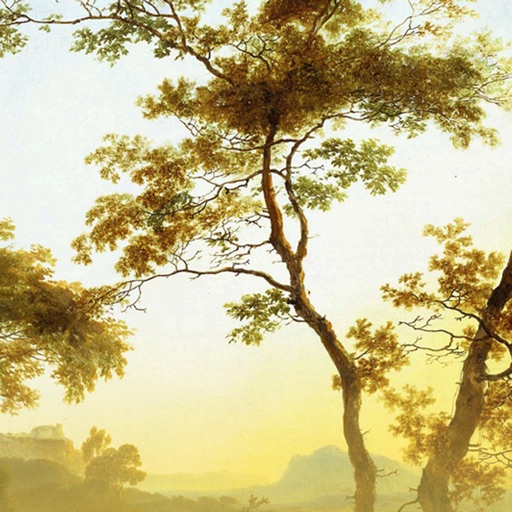
The app presents a virtual gallery featuring hundreds of paintings from over 100 European masters. Users can explore works by genre and author, with options to view in HD, download for offline viewing, and add selected.
Capture photos with one-touch shutter. Adjust exposure, focus, and white balance manually. Share images directly to social media or save in high-resolution formats. Edit photos with basic tools like cropping and filters.
Edit photos with unblur, object removal, and background cleanup tools. Apply AI filters, artistic styles, and motion effects. Create photo animations with one tap. Export and share edited images directly.
The app allows users to create photo books, prints, and personalized gifts from their phone. Photos can be imported from various sources and professionally printed in Melbourne for Australia-wide delivery.
Convert photos into painting styles using blend modes. Select images from the album. Apply artistic effects to create oil-painting-like results. Save modified images back to the album.
Create glowing art with a variety of brushes and colors. Save artwork as photos. Share creations on Facebook and Twitter. Includes tutorials for learning art techniques.