Create digital notes with pen, brush, text, and shape tools. Add background layers from camera, photo, map, or color. Save screenshots and use grid for alignment. Reset, undo, and redo actions available.
by Sugimoto Kazunari★ 3.73 ratingsLifestyleFreeData updated 2026-09-09
The app allows users to create and edit information in OpenStreetMap. Users can add points of interest, streets, paths, buildings, and bodies of water, with full undo/redo support and offline capabilities.
The app offers unlimited Sudoku puzzles across four difficulty levels. It includes features like Game Center support, hints, notes, and undo/redo functionality, along with animations and graphics.
Syncs with apps to import events. Write directly on digital events using Apple . View daily, weekly, monthly, and yearly schedules. Add handwritten notes and reminders. Export plans as PDF or image. Sync across devices.
And create sketches or doodles with customizable colors and typography. Use pencil, pen, or brush tools. Choose from textured, staff, grid, or blank backgrounds. Share through any phone program. Vote for improvements.
Create digital art with customizable brushes and over 1000 screentones. Design comic panels with fonts and filters. Add background brushes and adjust brush settings. Save and export artwork in various formats.
The app offers drawing tools, color options, and frame management for creating animations. Users can export animations to video or animated GIF formats and share them.
Draw and paint images using customizable color pencils, pastels, and brushes. Choose colors freely and adjust settings for precise control. Save artwork to camera roll and share via Facebook or Twitter.
Images using customizable tools and colors, save creations to your photo library. Write notes as images and store them. Edit photos basic tools and save results.
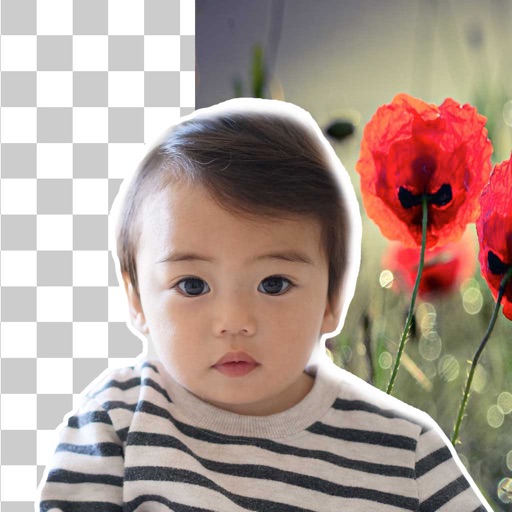
Remove similar color backgrounds from images and save transparent versions to the camera roll. Erase using finger or wand tools. Zoom and rotate with two fingers. Crop photos and share to other apps.
Display memos as on the home screen. Create, edit, and organize notes with text input. Set reminders and categorize memos. Share notes via copy or email. Sync across devices.
Create videos with AI tools. Add automatic subtitles from audio or . Convert text to speech with one tap. Apply unique AI voices to audio. Get song recommendations. Remove backgrounds around people and faces.
Blurify allows users to specific areas of a or the entire background. They can select from various brush types and shapes to apply . Adjust the intensity using a slider. Pre-set effects can be applied for different styles.
Edit with precise zoom, cut, undo, and redo functions. Remove vocals and separate instruments from files. Apply effects like reverb, chorus, EQ, and pitch adjustment. Merge and mix music clips, create ringtones, and enhance quality.
Intelligent : Outline the subject to automatically remove it from the photo. Save images to system album or application album. Edit saved images directly within the .
Remove backgrounds from photos using brush tools with adjustable size and hardness. Erase selected areas with undo and redo options. Add text with customizable font and formatting. Place edited photos on various templates.
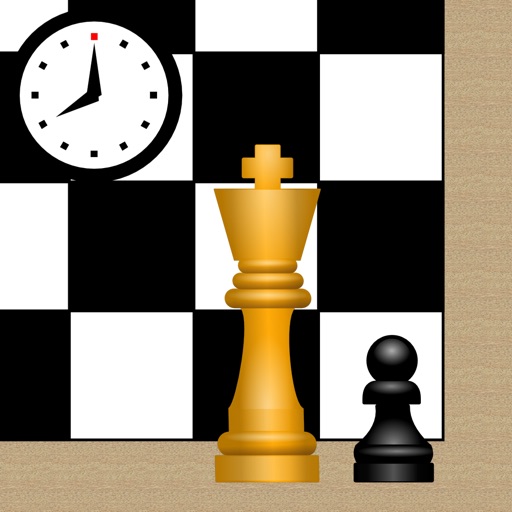
Play or checkers on a customizable with free piece movement. Add or remove pieces and undo/redo moves. Rotate the or individual pieces. Save or load game positions and delete them by swiping. Use a configurable clock with adjustable time settings.
Highlight text, images, or diagrams in photos or screenshots. Add annotations, arrows, and callouts. Adjust transparency and brightness. Share edited content directly or save for later.