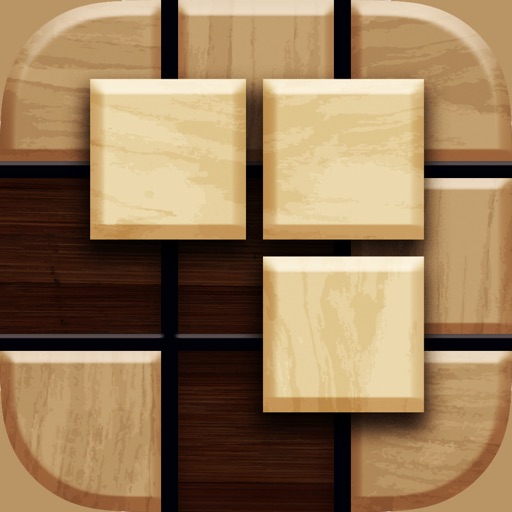
The app trains visual perception through puzzle-solving. Users can play solo or in real-time multiplayer, earning points by placing pieces correctly, with bonus points for skillful throws and bounces.
by UMIT CELEN★ 5.01 ratingsGamesFreeData updated 2026-10-28
Play by touching and dragging to erase parts of a drawing or complete missing sections. Reveal hidden images by removing layers. Create and customize drawings with intuitive touch controls.
Play by moving checkers across a 24-point . Take turns rolling dice to move pieces, aiming to remove all checkers from your side. Use strategy to block opponent's pieces and force them to reenter the game.
Solve by dragging and dropping pieces into place. Choose from thousands of free HD images. Track progress and complete to improve memory and focus. Share completed with friends.
Play by tapping to select blocks and moving them to fill blanks. Complete levels with one finger control. Features unlimited unique levels and simple gameplay mechanics.
Balls are thrown at target points to arrange ground colors. Drag and aim balls to areas. Use corners to control direction. Complete levels by coloring entire areas with one . Features include varied levels and engaging visuals.
Create pieces by merging materials to form images. Build animated paintings from collected elements. Solve multilayered art puzzles with unique story elements. Adjust and combine components to complete each artwork.
Rollic Games Oyun Yazilim ve Pazarlama Anonim Sirketi
Untangle ropes and solve puzzles
Solve 3D puzzles by untangling ropes within limited moves. Match rope colors and sort knots to progress. Track progress and complete levels with time constraints. Adjust difficulty settings for varying challenges.
Play a and throwing game by swiping to turn and releasing to throw. Pass the ball to teammates and avoid being tackled by enemies. Track progress and compete in multiplayer mode.
Create puzzles from personal photos. Select pieces with rotation options. Choose sizes up to 625 pieces on iPads or 100 pieces on iPhones. Solve puzzles with varying difficulty levels. Share completed puzzles via social media.
Play with 1 or 2 players against computer opponents with 5 difficulty levels. Enable or disable forced captures. Undo moves and enjoy HD graphics on compatible devices.
Play with immersive 3D graphics. Challenge opponents in single-player or pass n play mode. Choose from 4 difficulty levels. Customize the board, pieces, and table. Tap to select pieces and move them to target squares.
Play a by placing pieces into a 9x9 grid. Clear lines or 3x3 boxes to remove blocks and earn points. Extend combos and streaks for higher scores. Continue until no more moves are possible.
Educational for preschoolers features interactive puzzles with customizable scenes. Children can drag and drop pieces, receive feedback when placing them correctly, and unlock rewards upon completion.
Play a classic puzzle by dividing grids into rectangles and squares. Each number indicates the cell count within its shape. Create rectangles by clicking and dragging. Solve puzzles with logical deduction.
Play by dragging block shapes onto the board. flows and settles under gravity, requiring strategic placement. Adjust formations to clear levels. Tap to reset blocks and retry. Track progress through level completion.
Play block puzzle by placing pieces on a grid. Fill rows, columns, or 3x3 areas to remove and free space. Track progress and aim for high scores through consistent gameplay.
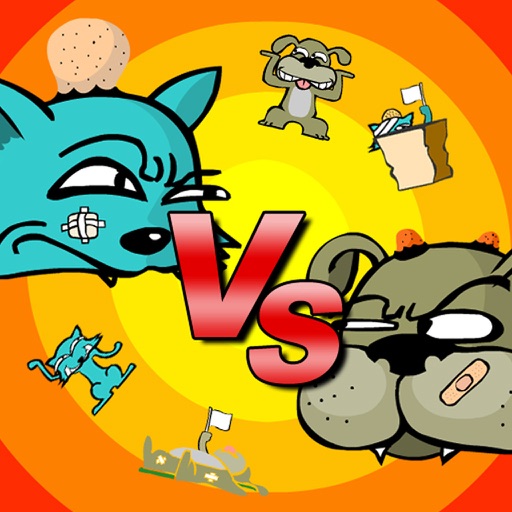
The app presents a game where a cat and a dog battle by throwing objects. Users control throws by holding and releasing on their character, considering wind strength and direction.
Play four mini-games: Panda Gold (drop and bounce objects), Line puzzle (solve brain challenges), Polygon puzzle (assemble pieces to clear the board), and Arrow Jam (aim and shoot targets). Track progress and replay games within the .