The app uses waveshaping synthesis to create unique sounds by altering spectra with sound amplitude. It offers a randomizer for generating new sound patches and includes multiple oscillators, envelopes, and effects.
by Harry Gohs★ 4.99 ratingsMusic$1.99Data updated 2026-10-28
Edit patches, browse presets, control synth remotely
Control music synthesis with multi-touch patch selection and remote browsing. Edit Patches and Multis wirelessly. Use the Orb for sound modification. Create setups and adjust parameters via iPad. Sync with Mac or Windows Omnisphere software.
Play sounds with studio-quality tones. Use round robin and per-key sampling for authentic playback. Apply effects like delay, reverb, and modulation. Adjust settings for custom sound shaping. Save and share compositions directly.
The app provides a grid of pads for playing and manipulating sounds. Users can create custom sounds using the device microphone or iTunes file sharing, and modify them with effects and parameter changes.
Adjust audio settings with precision crossover controls for custom frequency adjustments. Manage connections for seamless device pairing. Monitor and optimize sound quality in real time for enhanced listening experiences.
Record realistic woodwind sounds with finger movements
Generate realistic woodwind instrument sounds for guitar, bass, and strings players. Use finger movements for vibrato and pitch sliding. Support MIDI input from EWI and keyboard controllers. Record and playback performances.
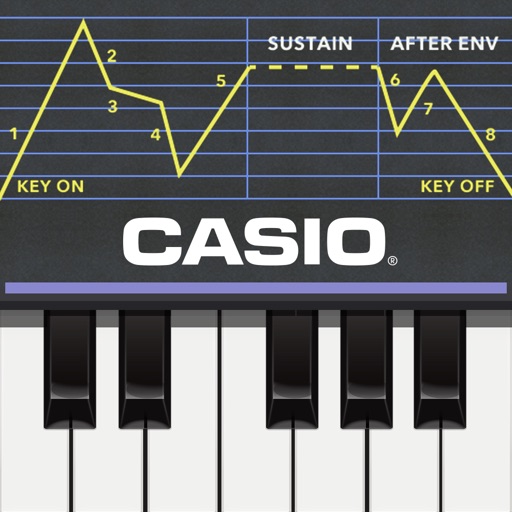
The app reproduces the functionality of Casio’s CZ-series models with a built-in 4-part PD sound source and 36 waveforms. Users can create and play tones on MIDI-compatible instruments, and play along to audio files on an iPad.
The app is a free 6-track CoreMIDI Step Sequencer for iPad. It functions as a companion for Nord Drum 3P and Nord Drum 2 synthesizers, or any external MIDI drum module, synth, or sampler.
Covers full exam syllabus with permission. Provides real-time performance analysis against exam requirements. Tracks practice progress through teacher's Playnote Organizer. Uses big data to analyze strengths and weaknesses.