Edit images with brightness, contrast, and other adjustment tools. Import photos and place them in customizable Story templates. Create gradients and use the dropper tool to match colors. Share edited content directly to Instagram .
Add watermarks to videos, illustrations, photos, and images. Place single or like wallpaper with adjustable size, density, and transparency. Apply cutout effects for seamless blending. Choose from over 500 fonts.
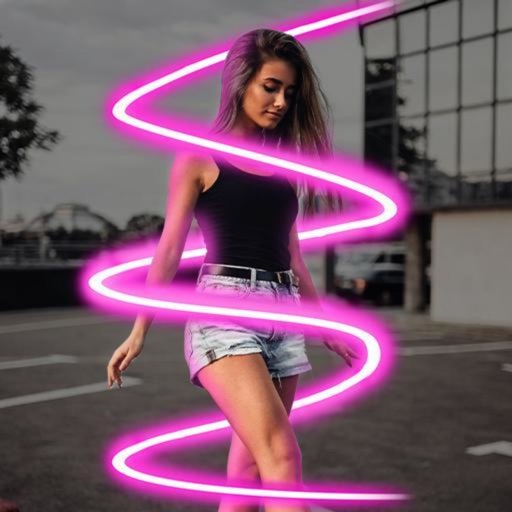
Edit photos with filters, effects, and shapes. Add text and stickers. Crop and adjust images. Share directly to social networks. Apply pre-designed styles for modern looks.
Record audio with and sound effects, apply up to five or sound effects per recording, and share the result. Adjust speed and background effects. Create memos, meme soundboards, and share content on social media.
Edit photos with filters, effects, and tools. Crop, adjust brightness and colors. Add text and stickers. Share edited photos directly. Enhance images to appear beautiful and lively.
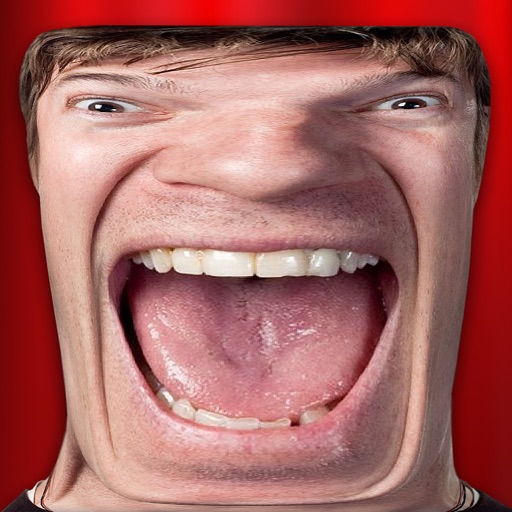
Take photos and videos with 9 customizable effects including smile enhancement, face stretching, and character transformations. Adjust effects on-screen. Share images and videos via email, Twitter, or Facebook.
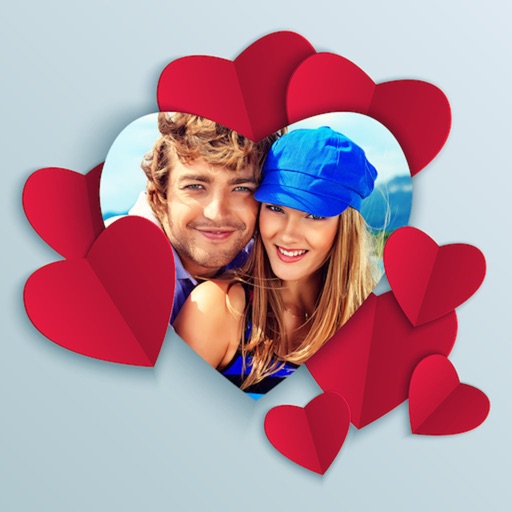
Edit photos with filters, effects, and adjustments. Add text with multiple fonts, colors, and effects. Overlay text or add captions and 3D text. Include stickers, artwork, and frames. Create collages and personalize cards with photos.
The app offers photo editing tools including insta square, color splash, and collage maker. Users can create unique photos with various filters, effects, and text options.
Create videos using photos with transitions, zoom effects, and background music. Add text overlays and edit timing. Share finished videos directly to social media or messaging apps. No photo limits or premium features required.
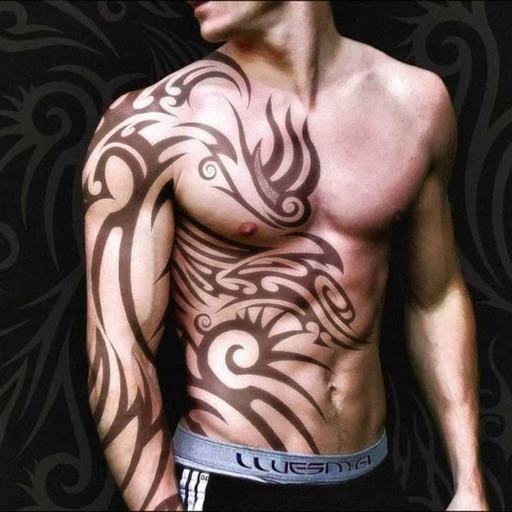
Create tattoos on photos with high-definition images. Select from various styles like dragon, color, love, and kanji. Apply effects and save or share directly. Choose photos from camera or gallery.
Change eye appearance in photos and videos using face detection. Apply funny eye effects like big, sleepy, or cartoon styles. Choose from makeup options including liners and shadows. Select animal or Halloween-themed eye transformations.
Allows users to or unblur specific areas of an image. Select photos from the gallery or capture new ones with the camera. Apply effects and save edited images to the gallery. Share blurred photos on social media platforms like Facebook and Instagram.
The app allows users to create animated images using their camera, videos, or photos. Users can add text with various fonts and image overlays, controlling their timing for custom effects.
Create collages by combining multiple photos and videos into framed cells. Add rounded corners, shadows, and patterns. Choose from 500+ adjustable frames. Use an easy color picker for customization.
Perform complex calculations with scientific, engineering, and hexadecimal modes. Use RPN and multi-line display. Convert units and access constants. Undo and redo actions. Sync with Apple Watch for on-the-go calculations.
Create videos by selecting from camera or gallery. Adjust frame duration and apply effects, filters, themes, doodles, and stickers. Add music and create slideshow animations gif memes and stickers.