The app helps users learn and practice music notes effectively. It offers teaching and game modes with adjustable note ranges and key signatures for treble and bass clefs.
by Patrick Chan★ 5.02 ratingsMusicFreeData updated 2026-10-28
And find chords based on the circle of fifths. Learn scales and chord progressions. Identify compatible chords within a key. Set and track musical goals. Sync with instruments and export progressions.
With dual keyboards and adjustable octave and size. View sheet music on iPad while playing. Use metronome with adjustable tempo and volume. Record performances. Adjust note range.
With an 88-key virtual keyboard. Switch between single-row, double-row, and double-player modes. Use multitouch and force touch for responsive input. Adjust keyboard width.
The app teaches note recognition and sight-reading skills through a musical game. Players help an animated character catch notes, combining education with entertainment via an intuitive interface.
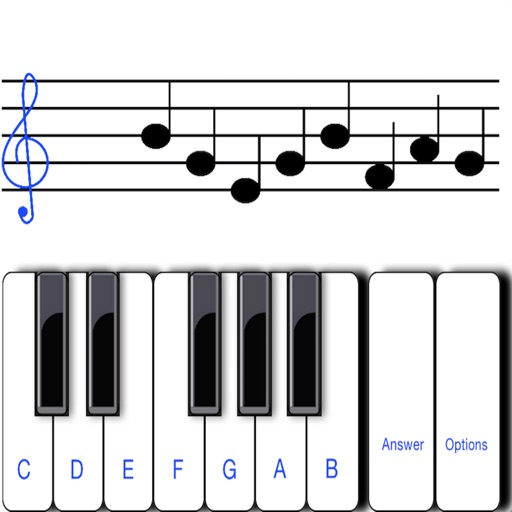
To sight notes in G and F clefs. Practice notes across six octaves, including those above and below the staff. Randomly generated notes apply to any instrument. Switch clefs for varied practice. Beginners can limit octaves and set their pace.
The app identifies chords by selecting two or more notes. It offers extensive chord databases and allows users to hear chords played as block chords or arpeggios.
Play holiday songs on a virtual piano by tapping to trigger notes. Choose from preloaded tracks like Jingle Bells and Silent Night. Adjust tempo and volume. Share songs via social media. Sync with Apple Health for music activity tracking.
The app helps users learn and practice sheet music reading, covering note names, rhythms, and intervals. It features four sets of flash cards with increasing difficulty and a shuffling algorithm that prioritizes incorrect answers.
Practice singing in tune with detection and melody transcription tools. Test range with built-in scales and exercises. Record takes, scroll through recordings, save sessions, and export as MIDI files.
The app provides an interactive game environment to learn the Treble Clef. Users can master six levels at their own pace, choosing difficulty and notation type.
Learn to read notes with interactive that display notes on the staff. Practice identifying notes on a virtual instrument and receive instant feedback. Track progress with built-in quizzes and ear training exercises.
Play with customizable kitten sounds and virtual keys. Create and play melodies using different cat voices. Use as a sound effect tool with adjustable pitch and real music playback.
Explore , , and progressions with interactive virtual and staff notation. Play ascending, descending, and harmonically. Adjust root notes and inversions. Compose songs by arranging and .
Practice musical and chord recognition with interactive exercises. Track progress with saved statistics. Return to specific exercises for focused improvement.