View and edit files with syntax highlighting. Manage local files and bookmarks. Search source text. Use tabbed browsing. Access iCloud Drive. Import files via iTunes file sharing.
by Yi-Lun Lin★ 4.42,667 ratingsUtilitiesFreeData updated 2026-09-09
Take notes using with syntax highlighting and code snippet support. Embed photos, images, and mathematical formulas. Sync notes across iOS and macOS devices via iCloud. Send formatted emails and share notes with others.
The app allows users to save selected websites directly to their iPhone, iPod touch, or iPad for offline browsing. Each saved page includes all displayed images, JavaScript, and CSS files.
View and analyze geographic data offline without GIS software or training. Download topographic, street, and satellite maps. Import ESRI Shapefiles and KML/KMZ files. Display attribute fields like descriptions, photos, addresses, and dates.
The app allows file transfers through a browser, functioning as a flash drive for the user's device. It offers file management capabilities and supports viewing various document and media file types.
The app allows users to view ZIP files and extract content from various archive formats. It functions as a file manager, enabling users to sort and access different file types, including password-protected documents.
The app stores documents, music, and videos in a secure location. It functions as portable storage with a file manager, music player, and PDF reader, supporting gallery imports and exports.
The app supports FTP and SFTP protocols for secure connections. It allows users to upload, download, and preview files, manage multiple server accounts, and create folders on the server.
The app extracts RAR and Zip files from mail, Safari, and other applications. It supports multi-level folders, file management operations, and searching for files.
The app allows users to view Locklizard secure PDF documents, including PDC files protected with Safeguard PDF Security and Enterprise PDF DRM. It is available for iPad and iPhone.
Write and format text with support for tables, footnotes, lists, images, and links. Highlight, strikethrough, superscript, and MathML are available. Import and export documents from compatible apps. Edit and preview on iPad, iPhone, and macOS.
The app tracks HylaFAX server status, submits PDF and TIF files as fax jobs, and views received faxes. Users can manage outbound jobs and access downloaded fax files.
View and edit documents with support for PDF, Word, Excel, PPT, TXT, and more. Copy text, search, highlight, and annotate PDFs. Edit Word/Excel files lightly. Add PPT notes and use text-to-speech. Sync files via cloud with folders and tags.
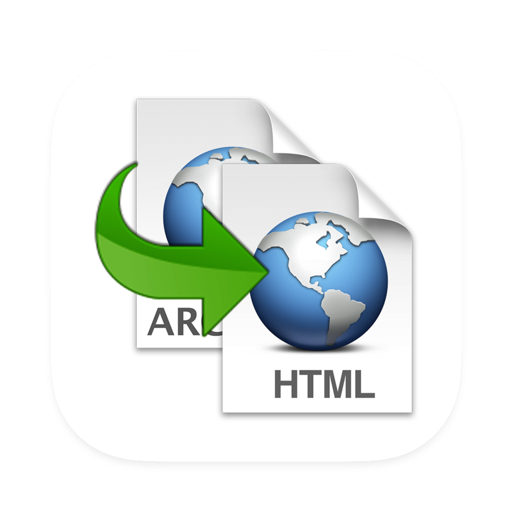
The app converts .webarchive documents to .html format. It extracts all resources, including HTML, CSS, and images, to their original formats for inspection or reuse.