The app allows users to create photo slideshows in 3D or cartoon styles. Users can select photos from their gallery, camera, or social networks and add titles with various fonts before rendering the video.
by Ricardo Corin★ 2.04 ratingsPhoto & VideoFreeData updated 2026-10-27
Decorate photos HD quality . Select images from gallery or camera. Apply preferred and save or share via social media. Set as wallpaper. Save to SD card. Rotate and zoom images touch gestures. Edit photos before applying .
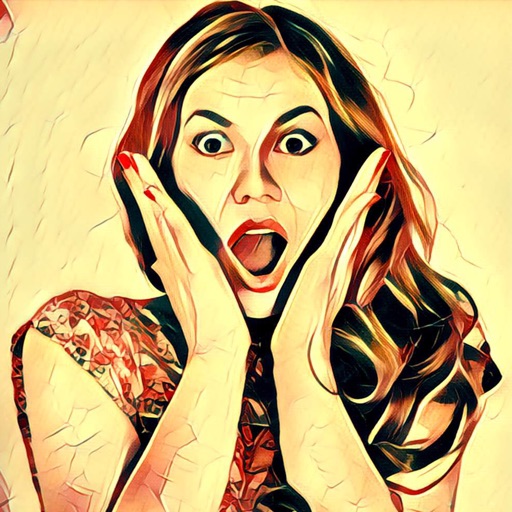
The app transforms user photos into cartoon-like pictures using a toon shine effect. Users can apply filters to images taken with the device's camera and share them on social media or save them.
The app allows users to animate photos and messages into video loops for sharing. New loops are added daily, and users can access additional content through an in-app subscription.
Edit photos by applying multiple effects and choosing from various stylish frames. Adjust image position, size, and angle finger gestures. Save and share modified photos directly.
Create GIFs from photos, videos, and bursts. Trim and crop media. Apply stickers, filters, and effects. Merge content from photo library. Share GIFs to Instagram, Snapchat, Twitter, and Messenger. Generate pixel- GIFs, Stories, and Wallpapers.
Edit photos with AI-powered background removal and custom background options. Apply artistic effects like cartoon styles. Enhance portraits with AI adjustments. Export edited images in various formats.
Edit photos by selecting from the gallery or capturing new ones. Apply various and effects. Adjust position, size, and angle. Save, share, or upload to social media platforms like Facebook, Twitter, and email.
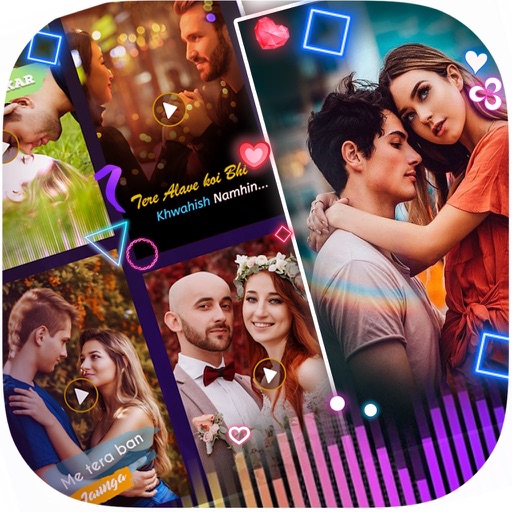
Create movies by combining images and videos from your camera roll. Select background music, add subtitles, and choose animations. Edit and share finished movies directly.
The app allows users to dress up paper dolls with various outfits and backgrounds. Users can add stickers, resize them, and use drawing tools to create scenes.