The app allows users to create photo slideshows in 3D or cartoon styles. Users can select photos from their gallery, camera, or social networks and add titles with various fonts before rendering the video.
by Ricardo Corin★ 2.04 ratingsPhoto & VideoFreeData updated 2026-10-27
Apply to photos using the built-in image editor. Select from a gallery or take a new with the camera. Add to enhance images of children. Save and share edited photos directly.
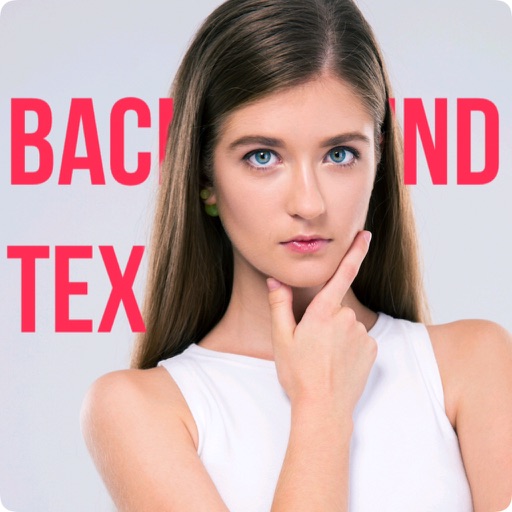
The app allows users to create unique images with special effects by combining photos with text. Users can add stylish text, masking, collages, frames, filters, and geometric shapes to their photographs.
The app allows users to combine two face photos from their library or camera. It automatically detects faces to create blends that produce humorous results.
Create animations using frame-by-frame drawing on photos. Add doodles and export as GIF or video. Share finished animations with friends. No advanced drawing skills required.
Create typography posters by adding text to photos using various fonts. Edit text with font styles, colors, and placements. Save and share designs as images or PDFs.
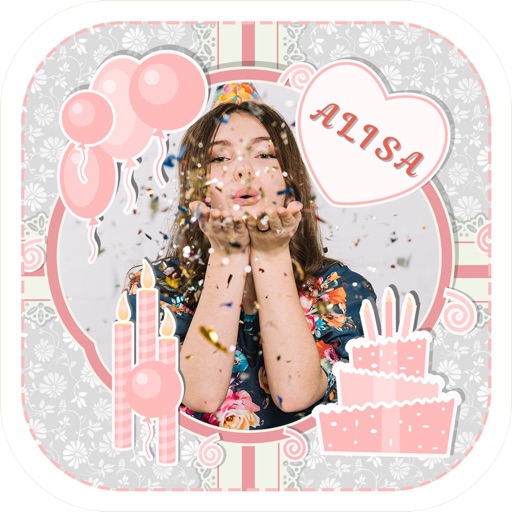
Create greeting by selecting and photos from your gallery or camera. Adjust photos with zoom, rotate, and move gestures. Save and share through social media apps.
The app allows users to transform their photos and videos into cartoons. Users can create their story with toon effects and make cartoon selfies easily.
The app allows users to add various mustaches, hairstyles, beards, glasses, and hats to photos. Users can select images from their library or take new ones, then apply filters, frames, and captions.
Create by selecting from hundreds of templates. Import images from your gallery or camera. Add custom captions with adjustable font size, color, and style. Share generated directly.
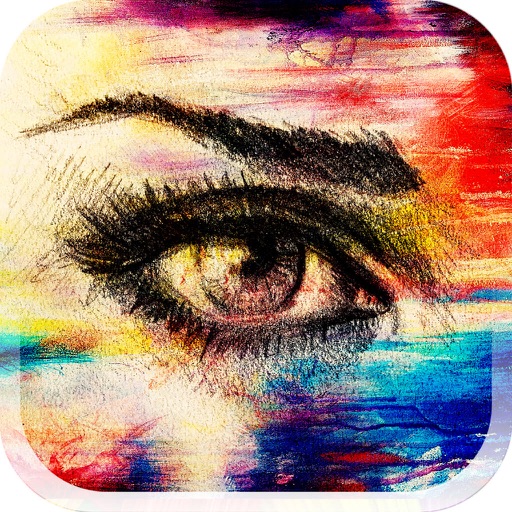
The app allows users to blend textures into photos, creating unique filter effects. Users can also generate random effects, create their own textures with a camera, or re-blend existing creations.
Add frames, patterns, colors, and blur effects to profile pictures. Adjust background color and apply instant DP borders. Resize and rotate images for Instagram. Post full-size photos without cropping. Create images for social media.
Create lockets by selecting images from the gallery and choosing from available styles. Save and share the created lockets with friends and family. Add love symbols to photos to express affection.
Edit photos with AI-powered toonification, caricature, and Pixar-style cartoon effects. Apply face filters, reface, and adjust digital art layouts. Add backgrounds and export edited images.
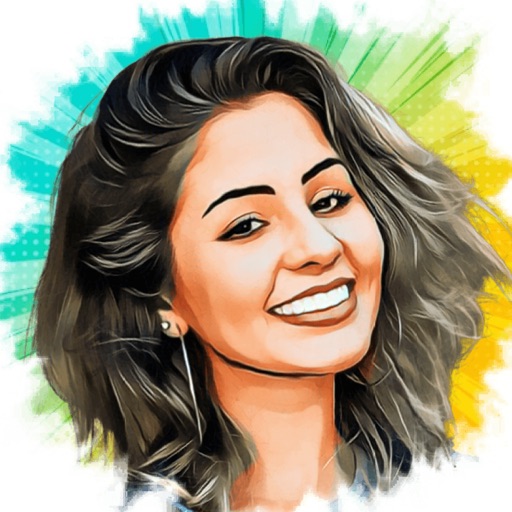
Turn photos into cartoons with AI-powered filters. Add toon backgrounds and layouts. Edit self-portraits with effects. Share edited images on social media platforms. Apply digital art filters and create anime-style avatars.