A to-do list allows users to set tasks and earn points for completion. Points can be used to select items from a wish list. A check mark button appears only if enough points are earned. Users can track task progress and manage rewards.
by Arthur de Rijke★ 4.224 ratingsProductivity$1.99Data updated 2026-10-18
Manage time with timers, reminders, countdowns, and task lists. Create sub-timers for intervals, workouts, or routines. Organize multiple timers in parallel mode. Save and reuse timer setups. Set alarms and track task progress. Sync with Apple Watch.
The app helps users focus on adding and completing tasks with a simple interface. It offers features like quick task completion, recurring task automation, and secure data storage with passcode or Face ID protection.
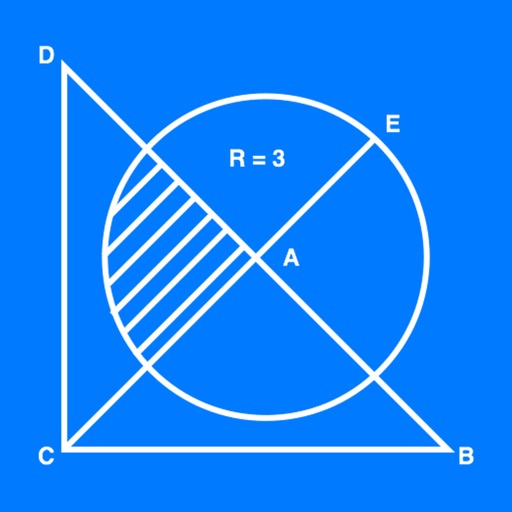
The app allows users to create geometrical figures, points, circles, and polygons. It can also create parallel lines, perpendicular lines, lines with a given angle, midpoints, and intersections.
Plan tasks by day with a list-based interface instead of a traditional calendar. Add tasks to specific days, next week, or the "Later" list. Rearrange tasks to set priorities and complete them one at a time. Syncs with Apple Health.
Help children build habits by setting daily tasks, assigning rewards, and tracking completion. Monitor progress with a routine planner and ensure consistency through approval and reminders.
Organizes tasks into a calendar using AI. Splits tasks that don’t fit, balances workload across days, and updates with changes. Recalculates entire plan with one click. Generates a from a to-do list up to 8 weeks in advance.
Create goals and split them into tasks. Build daily routines and habits. Tap to mark tasks as completed. Earn XP points for progress. View weekly reports and performance stats to track achievements and identify areas for improvement.
Create daily task lists with one tap. Add and set . Check off completed . No ads, signup, or subscription required. Start fresh each day without managing previous entries.