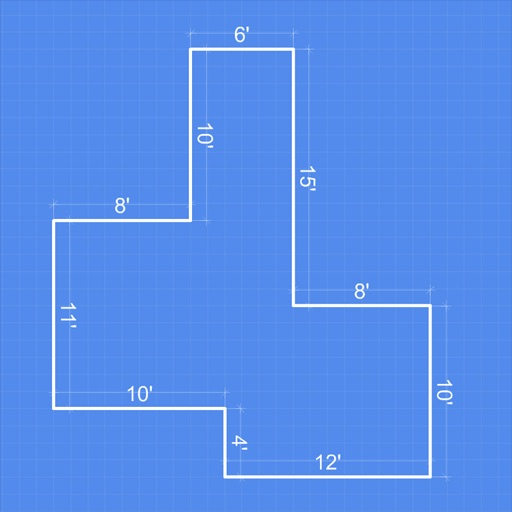
The app allows users to design office spaces by inserting cabinets, furniture, and accessories. Users can select materials and finishes, then save or email designs in various formats.
by Microcad Software S.L.★ 3.02 ratingsProductivityFreeData updated 2026-10-27
Manage and organize books in PDF, ZIP/CBZ, and RAR/CBR formats. Sort by genres and arrange using custom categories. Access books from iCloud Drive by placing them in the folder. Download books on demand. View and navigate pages within the .
Create badges by entering dimensions in millimeters, centimeters, or inches. Input a and choose font and color. Print the directly. Unlock photo customization with an in- purchase.
Create plans by scanning rooms with a camera and LiDAR. Automatically detect walls, windows, doors, and furniture. Measure spaces accurately without manual input. Adjust and annotate plans. Export as images or PDFs.
The app unarchives files in multiple formats including .zip, .rar, and .7z. It also supports file management through Wi-Fi transfer, iTunes File Sharing, and remote browsing.
Create maps with drag-and-drop editing and customizable styling options. Adjust fonts, colors, and shapes. Insert and crop images with filters. Share mindmaps via social media, .mmx files, or PNG images. Sync files across devices using iCloud.
Extract colors from photos or camera snapshots. Pan, pinch, and zoom to select areas. View RGB, HEX, CMYK, HSB, and LAB values. Access complementary and Pantone schemes. Export information.
The app provides a web viewer for design and 3D files on iPad, iPhone, and iPod. Users can view and interact with objects from web files, ZIP archives, or files uploaded to the device, including DXF, IGES, STL, OBJ, Gerber, VRML, and TIFF formats.
Generate QR codes for text, websites, WiFi, contacts, locations, emails, phone numbers, or events. Customize designs with colors, shapes, and styles. Share QR codes via image or link.