Keyboard for iOS allows typing in using a QWERTY layout. Tap and hold to access all letters in a row. Supports copy-paste to other apps. Includes font installation instructions for iOS 7.0.
by LE SANG★ 4.036 ratingsProductivityFreeData updated 2026-09-08
Look up words with definitions, synonyms, antonyms, examples, and grammar. Access Hindi and English pronunciations. Prepare for exams like SAT, IELTS, CAT, and SSC. Includes over 400,000 words with explanations and usage.
Create structured with multi-level document management and color tags for quick highlights. Add password protection for secure notes. Sync across Mac, iPhone, and iPad using iCloud. Share documents and use intuitive gestures for editing.
Translate text between over 100 languages with instant results and audio pronunciation. Order human-reviewed for documents. Handle large text volumes within the same .
Learn and practice with interactive drills for each letter. Track progress and repeat exercises for reinforcement. Use the included keyboard to input within any application.
Convert speech to text from meetings and lectures using on-device transcription powered by OpenAI's Whisper. Export as subtitles or replace common words for accuracy. No live transcription or speaker detection available.
Create and edit text-based stories, notes, and wordplay. Sort entries by date, title, or last modified. Adjust font size using a slider. Features include large default font and minimalistic interface without spell checking or autocorrection.
Use a full QWERTY on Apple , including older models. Type messages via Messages . Support extended Latin characters for multiple languages. Enable typing on wrist-sized devices.
View and manage for selected years. Toggle Gregorian date visibility. Track yearly holy and fasting dates. Convert between Gregorian and dates. Switch between Tigrinya and Amharic language labels.
Helps users generate conversation starters and responses for dating apps or text messages. Suggests what to say when feeling uncertain. Provides AI-generated images and analyzes screenshots for conversation prompts.
Create custom text with emojis, symbols, and icons for Instagram bios, posts, and DMs. Format WhatsApp messages with blue bold text. Copy and paste text without accessing data. Set Instagram bio with special fonts and symbols.
Translate text between and . Input text to receive accurate translations. Switch between languages for bidirectional . Save frequently used phrases for quick access. Share translated text via copy or social media.
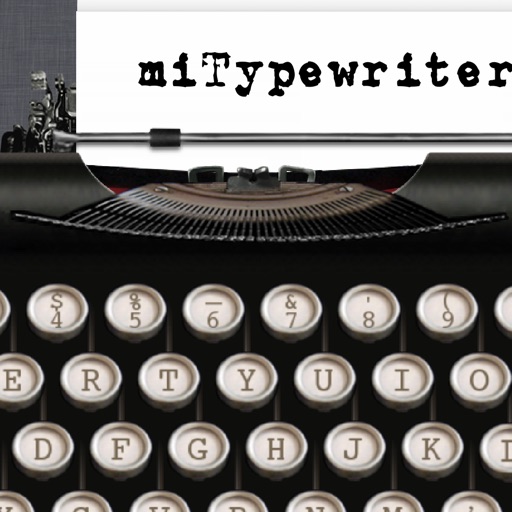
The app provides a realistic typewriter experience on the user's iPad. It offers features such as email by image or text, a backspace key, multiple fonts, keyboard layouts, and ink ribbon colors.
Allows users to scan barcodes and QR codes. Sends real-time keystrokes to a computer via . Supports CSV file exports for scanned data. Enables keyboard emulation without copy-paste. Connects to computers on the same network.
Use the keyboard to copy and paste sound effects into messages and emails. Access hundreds of built-in sounds. Audition sounds and save favorites for quick access.
Customize iPhone with a wide selection of . Add fun emoji stickers and create unique layouts. Change font styles for messages and personalize typing experience.