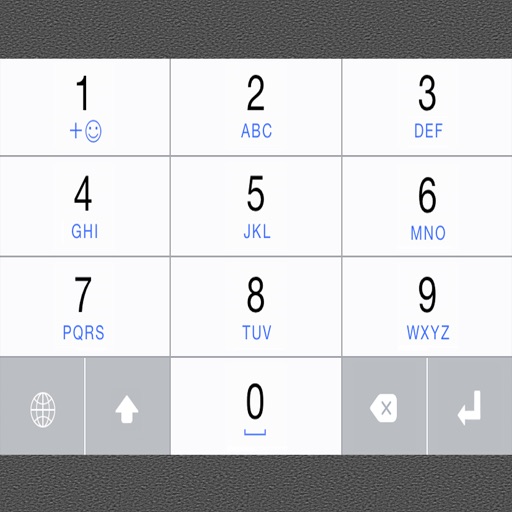
Keyboard for iOS allows typing in using a QWERTY layout. Tap and hold to access all letters in a row. Supports copy-paste to other apps. Includes font installation instructions for iOS 7.0.
by LE SANG★ 4.036 ratingsProductivityFreeData updated 2026-09-08
Spelling using microphone or keyboard input. Correct words and phrases with instant feedback. Share corrected via copy or share options. Listen to correct pronunciation of any English word.
Allows cursor movement using arrow keys. Select text with Shift + Arrow. Supports flick input and QWERTY layout. Includes copy and paste shortcuts in QWERTY mode.
Enable typing in phonetics with a customizable layout. Switch between languages, adjust settings, and input Geez characters using dedicated keys. Supports text prediction and autocorrect features.
Turn your into a for quick math operations. Perform basic and advanced calculations directly in any . Input numbers and equations using the on-screen . Get results instantly without switching apps or copying values.
Type letters and words with an intuitive layout. Get word suggestions as you type. Switch between Cyrillic and Latin characters. Customize key placements for easier input. Support multiple input methods for writing in .
Create and customize animated emojis with characters like Gene, Jailbreak, and Smiler. Choose from hundreds of designs and animations. Save and sync emojis to Messages or Keypad.
The app helps users focus on adding and completing tasks with a simple interface. It offers features like quick task completion, recurring task automation, and secure data storage with passcode or Face ID protection.
Allows typing in using English letters with transliteration. It offers word predictions for both and English. Users can switch between languages with a language key. An emoji button is accessible after pressing 123.
Offers a larger keyboard layout with big keys for comfortable typing. Supports one-handed use. Provides secure typing without full access. Features a familiar layout for easy use.
Edit text with a customizable extended keyboard featuring compact buttons for symbol input. Import and use custom fonts, including ligatures if supported by the font. Manage font settings and adjust display options for monospace fonts.
Customize themes and select for personalized typing. Add stickers to messages. Sync settings across devices. Use chat tools alongside the for enhanced communication.
Installer allows users to install and use 26 fonts across compatible applications. Fonts can be tested directly in Word, Excel, PowerPoint, Numbers, Keynote, Pages, and Cricut. Users can share text via messages or social networks after selecting a .
Add emojis to messages in apps like Facebook Messenger, WhatsApp, and Viber. Access iMessage stickers without installing a keyboard. Copy-paste emojis directly into conversations.
Convert spoken words into text using AI-driven speech recognition. Add subtitles to videos or conversations. Supports 30 languages, works offline, and stores data locally for privacy. Share or edit generated text directly.