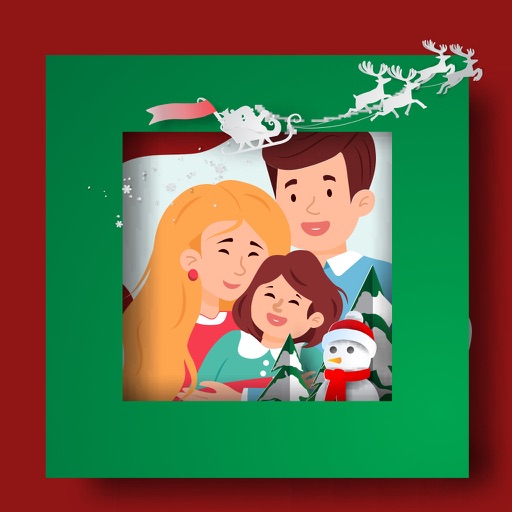
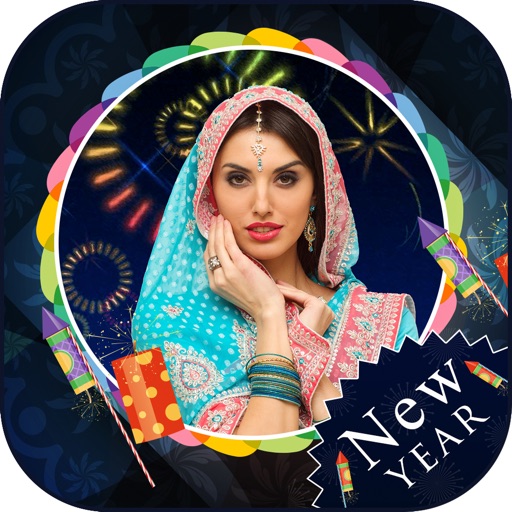
Create photo collages using over 200 frames. Select from photo frames or frames in the main menu. Edit photos with cropping, filters, and text. Combine multiple images into a collage. Record and edit videos. Add text and stickers to videos.
Create collages by mixing and arranging photos, rotating, and moving them freely. Add text, stickers, and backgrounds with customizable fonts, sizes, and colors. Draw or write on photos using a doodle tool. Export and share finished collages.
Edit photos with text layers, borders, matting, rounded corners, 3D bevels, and shadows. Adjust cropping ratios and apply internal and external shadows. Share edited photos directly to social media.
Edit photos with background erasing and changing tools. Blur backgrounds and apply portrait beauty effects. Add realistic filters and effects with one tap. Share edited photos directly. Join a community for editing tips and feedback.
Convert photos into cartoons with adjustable blur size, edge threshold, and line width. Apply halftone filter and image filters for enhanced effects. Export and share the final cartoonized images.
Add flower and borders to photos. Edit images with cropping and brightness adjustments. Share edited photos with friends and family. Save and view edited images in the .
Create collages with single or multiple photos, up to 14 images. Add , backgrounds, and drawings. Share collages on Facebook, Instagram, Twitter, WhatsApp, and other platforms. Edit photos with basic tools and apply templates.
Create collages by combining multiple photos into a single framed image with captions. Add 2D and 3D effects. Share finished collages on social media platforms like Facebook, Twitter, and Flickr.
RAY INFORMATICS YAZILIM TEKNOLOJI MEDYA DANISMANLIK VE EGITIM TICARET LIMITED SIRKETI
, , and edit photos
Convert printed photos to digital format by scanning and colorizing them. Apply various templates and filters to enhance images. Save and share the edited photos directly.