The app provides pilots with various flight-related calculations including distance, time, speed, altitude, and wind components. It also offers unit conversion and coordinate conversion features for iPad users.
by Andrej Hyll★ 0.00 ratingsNavigation$4.99Data updated 2026-10-27
Create and manage map radiuses with customizable center coordinates, , and color settings. Share URLs via email or text to display radiuses in any browser. Include names, notes, and choose from multiple coordinate and distance formats.
Provides a 3D floating with realistic OpenGL graphics. Users can switch between nine modes, including direct read, traditional, and rosette styles. It displays degrees, quads, or mils.
Navigation provides perpetual almanac and star finder chart with animation. Calculates lines of position, object data, and meridian passage. Supports running fixes and astronomical position calculations with multiple star observations.
Access flight data and communicate with ATC and virtual crew via text or voice. Monitor real-time flight status and receive updates. Stay connected to your simulated flight experience on the go.
Navigate using high fidelity airport maps and enroute displays. Access aeronautical data for flight planning. Streamline operations with integrated electronic flight folders. Monitor fuel efficiency and situational awareness during flights.
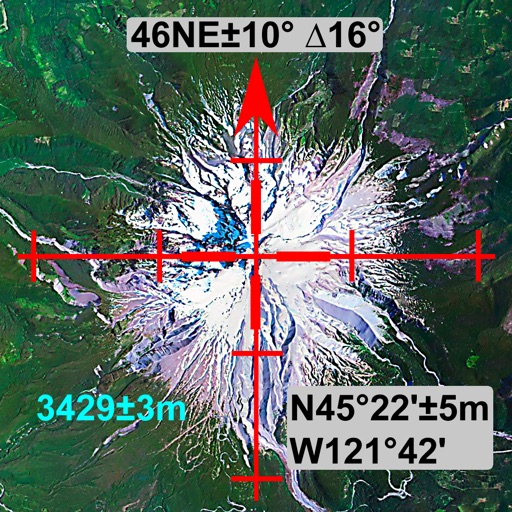
The app offers integrated navigation tools including a full-screen map, GPS, compass, altitude, UTM, and magnetic declination. It displays current altitude, speed, and UTM coordinates with precision grids for various measurements.
Track skiing performance with speed, altitude, slope, and distance data. Create and organize trips to store runs and view trip statistics. Access photos taken during the session. Customize screen layouts to focus on relevant data.
Perform calculations with a simple or interface. Solve equations step by step and view detailed explanations. Access calculation history for review or sharing. Generate graphs for visual representation of equations.
Calculate with formulas and swipe between calculators
A calculator displays formulas during calculations. Users can switch between seven calculators by swiping. Perform basic and advanced math operations. Store and reuse calculation history. Adjust display settings for different modes.