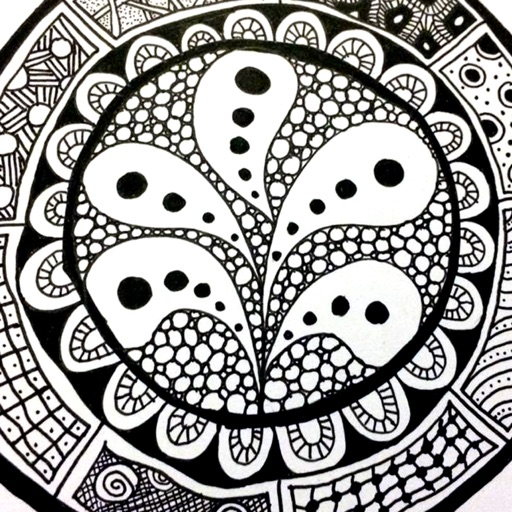
The app provides a reference guide for doodlers, featuring 100 tangle patterns with drawing instructions. Users can browse a gallery of creations and share their own drawings.
by Lightwood Consultancy Ltd★ 4.135 ratingsReference$2.99Data updated 2026-11-11
Create and edit diagrams, flowcharts, and notes with integrated text and symbols. Draw directly on the screen or use keyboard input. Share drawings via copy-paste or iCloud. Sync work between iOS, iPadOS, and macOS devices.
Start intake, view appointments, chat with support
Start intake forms and schedule appointments. View case details and chat with customer service. Access legal documents and track appointment history. Receive notifications for upcoming meetings and service updates.
View 3D models and 2D drawings directly on mobile devices. Support for multiple CAD formats including SOLIDWORKS, CREO, UG, CATIA, and AutoCAD. Collaborate with teams by sharing and reviewing designs remotely.
Create and share visual ideas in a zoomable drawing space. Collaborate in real time by drawing, annotating, and editing together. Adjust zoom levels to add details or view the bigger picture. Save and export drawings in various formats.
The app offers digital drawing tools that evoke natural media. It provides a focused drawing experience with essential tools and is optimized for Retina displays.
Draw and share chemical structures with interactive tools. Calculate molecular formula, molecular weight, monoisotopic mass, and elemental composition in real time during drawing.
Take photos of stitches to identify patterns. Select or create or knitting patterns. Ask for step-by-step guidance and tips. Get smart suggestions for techniques and materials. Track progress and save projects.
The app offers over 1000 pictures, icons, and patterns for use in Keynote, Pages, Numbers, and other applications. These transparent background images are organized into 25 categories, including Animals, Business, Food, and Technology.
Create scaled architectural or mechanical drawings.
The app produces scaled architectural or mechanical drawings, or images for word processors. Users can edit, scale, move, rotate, mirror, trim, and copy individual objects.