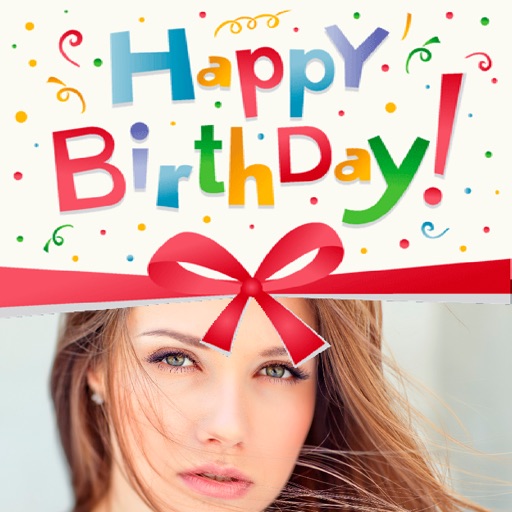
The app allows users to personalize workout activity and enter workout details. Users can add text, customize fonts, choose layouts, and save images to their photo gallery.
by Mike Post★ 0.00 ratingsPhoto & VideoFreeData updated 2026-10-26
Track workouts, follow routines, and refine technique
Track heart rate and breathing during workouts. Follow guided sessions with clear instructions. Customize routines based on skill level. Access progress reports and adjust workout intensity. Sync with fitness trackers for real-time data.
The app allows users to add multiple text or image watermarks to photos. Users can adjust size, opacity, color, font, strokes, and shadows for each watermark.
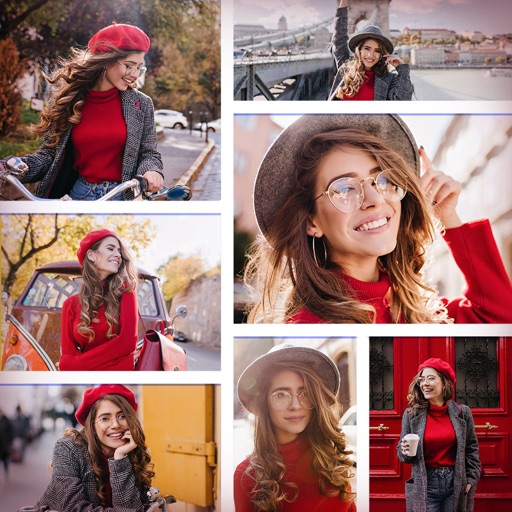
Create collages by selecting multiple photos and arranging them in various layouts. Apply mosaic effects to individual photos for artistic results. Edit images with basic tools and save or share the final output.
The app allows users to add soccer symbol overlays and filters to photos. It supports team colors in Brazil and sharing to social media platforms like Instagram and Facebook.
The app allows users to select foreground images from various sources and erase backgrounds. Users can then add background images, text with over 100 font styles, and over 1000 stickers to create edited photos.
Track daily fitness activities and monitor weight and body metrics. Check class schedules and facility hours. Sync with Apple Health to automatically log workouts and update health data.
Create collages by combining multiple photos and videos. Choose from , poster, or editor modes. Adjust layouts, add effects, and stitch content together. Edit images with filters, cropping, and text overlays.
Create text overlays with customizable fonts and colors. Add multiple text layers and background images from the gallery. Decorate text with symbols and styles. Generate stylish cards and set as profile pictures.
Create and manage customized workout plans based on fitness goals. Track progress with detailed statistics and performance metrics. Log exercises, set rep ranges, and receive real-time feedback during workouts.
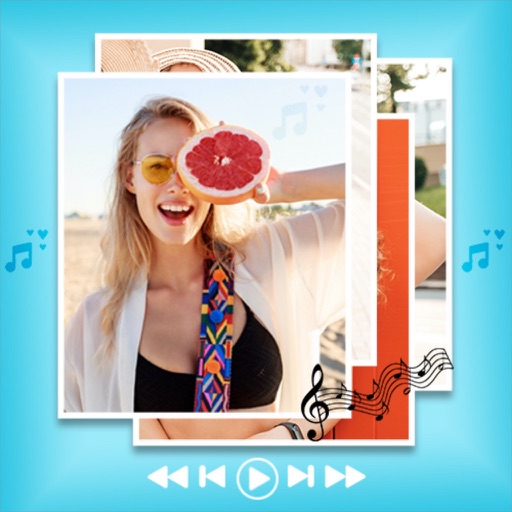
Create photos or by selecting from the gallery or using the camera. Edit images filters, stickers, text, and painting tools. Add for a professional look. For , choose background music or silence.
Edit photos by selecting from the gallery or capturing with the camera. Apply multiple and effects. Adjust position, size, and angle. Save, share, or upload images to social media platforms like Facebook, Twitter, or email.
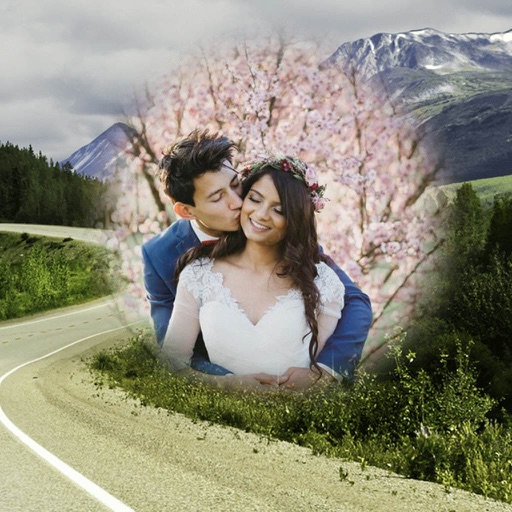
Edit photos by selecting from the gallery or using the camera. Apply various frames and effects. Adjust position, size, and angle of images. Save, share, or upload photos to social networks like Facebook and Twitter.