Apps Like Templates - for Numbers + for iPhone and iPad
Numbers templates with adjustable layouts
The app offers 81 Numbers templates across 31 categories. Templates feature colorful backgrounds and adjustable text layouts, allowing users to modify elements like text boxes and fonts.
by 顺华 吕★ 0.00 ratingsGraphics & DesignFreeData updated 2026-10-26
Create logos, icons, and stickers using AI-powered tools. Choose from thousands of customizable templates. Edit designs with adjustable colors, fonts, and elements. Export in multiple formats and share directly.
Create social media graphics using pre-designed templates. Choose from layouts for collages, banners, invitations, business graphics, posters, quotes, and profile photos. Customize designs with text, images, and color adjustments.
Create professional cards with templates and design
Create professional cards with customizable templates, fonts, icons, and layout tools. Add text, images, and logos. Export as PDF or print-ready files. Share via email or social media.
Installer allows users to install and use 26 fonts across compatible applications. Fonts can be tested directly in Word, Excel, PowerPoint, Numbers, Keynote, Pages, and Cricut. Users can share text via messages or social networks after selecting a .
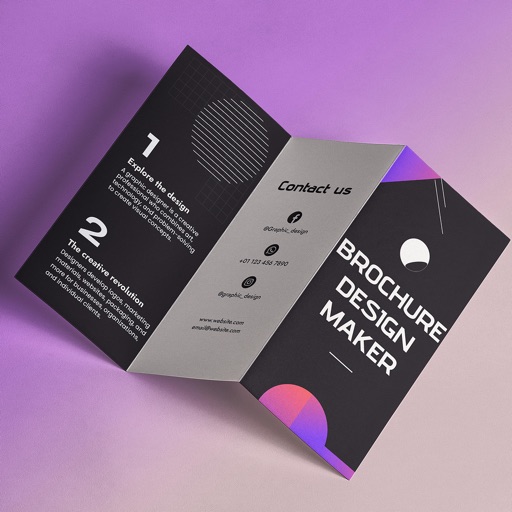
Create brochures by selecting from 2500+ templates across industries like business, travel, and education. Edit layouts, add text, images, and graphics. Export as PDF or print directly. Save and share designs.
Offers document, spreadsheet, and slideshow with customizable designs. Users can access over 20,000 document , spreadsheet , and slideshow themes. Includes images and graphics for content illustration. Supports US and international paper sizes.
The app provides 98 templates for creating infographics, posters, dashboards, and social graphics. It features a layer-based editor for adding and refining design elements, supporting multi-page projects and custom assets.
The app provides 110 spreadsheet templates for Apple's Numbers application on iPhone and iPad. Templates include accounting, menus, fitness planners, calendars, and schedules, with many featuring pre-filled formulas and formatting.
Capture notes instantly by copying or pasting snippets from your library. Create dynamic templates with variables like dates and counters. Build hierarchical note trees using drag-and-drop. Search across all workspaces quickly.
Install and manage -style for use in compatible apps like Keynote, Pages, and Numbers. Choose directly within apps and share text via messages or social networks. include Aurebesh variants and SfDistantGalaxy options. Access through Settings.
Create social media posts using customizable templates and drag-and-drop tools. Add text, images, and graphics. Edit colors, fonts, and layouts. Export posts for Instagram, Facebook, Twitter, and other platforms. Share directly from the .
Create invitations with customizable templates and background music. Add text, images, and animations. Export videos in various formats and share via social media or email.
Upload photos and select from a variety of templates to create viral videos, headshots, or movie scenes. Apply AI-generated swaps and customize with filters, text, and stickers. Export and share finished videos directly.
Create videos with 100+ by selecting a sound and uploading media. Use 500+ aesthetic for personal or business content. Edit videos with filters, transitions, and text overlays. Export and share directly to social platforms.
Create logos using a user-friendly interface with no experience required. Access a variety of templates ranging from minimalist to bold. Customize logos by adjusting shapes, colors, fonts, and adding text or icons.
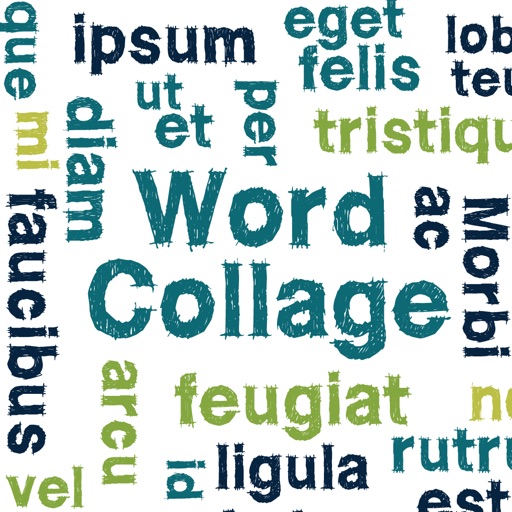
Create clouds by selecting color themes, fonts, and layouts. Choose from six layouts including horizontal, vertical, and half and half. Input text to generate clouds where common words appear larger.