Measure light levels using aperture and shutter priority modes. Select ISO, aperture, or shutter speed values. Switch between priority modes based on camera settings. Use front or back camera for light measurement.
by Luis Laugga★ 4.282 ratingsUtilitiesFreeData updated 2026-09-08
Adjust settings including ISO, focus, and shutter speed for photos and videos. Control exposure and shutter speed for long exposures or slo-mo videos. Use double tap for photos and triple tap for video gestures.
SLR RAW allows adjustment of ISO, shutter speed, and focus. It supports RAW and JPG export. Users can pinch to zoom, set white balance with RGB settings, and enable grid overlay. Flash settings are available.
Learn photography techniques with detailed explanations and real-world examples. Explore camera settings, composition tips, and lighting strategies. Access interactive tutorials and compare examples to understand visual principles.
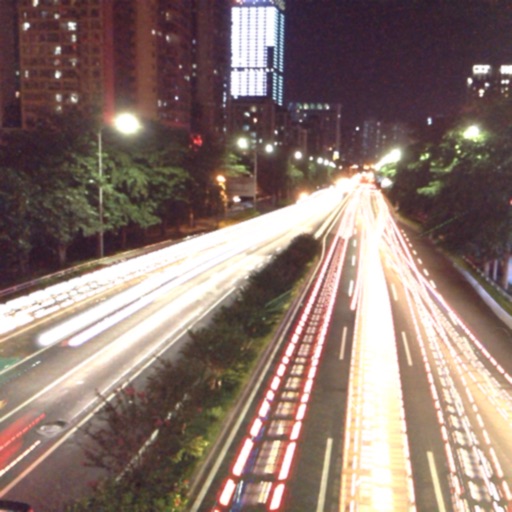
The app captures photos using slow shutter speed effects to create light trails and streams. Users can control exposure time and focus for motion blur photography.
The app allows a user's iPhone or iPad to function as a remote camera for Stop Motion Studio. It provides live preview and full camera control for capturing stop-motion animations.
Take photos with manual controls for exposure, focus, and white balance. Adjust shutter speed and ISO. Preview and edit images with crop, rotate, and color correction tools. Share photos directly or save to device.
APPAS SOLUTIONS, SOCIETATEA CU RASPUNDERE LIMITATA
Capture photos and videos in low
Capture photos and videos in low- conditions using advanced technology. Adjust brightness and color settings manually or automatically. Record live view with enhanced clarity and color. Share edited media directly from the .
Allows remote camera control for macro and time-lapse photography. Adjust ISO, aperture, shutter speed, and exposure settings. Capture and save images with custom file names and time intervals. Preview live feed and browse saved photos in Finder.