The app offers hand blur correction for casual shooting and continuous photography. It includes live effects like Fish-eye Lens and Sphere Lens, along with a Color Accent filter.
by Hiroyuki Suzuki★ 0.00 ratingsPhoto & Video$1.99Data updated 2026-10-25
Record video with manual focus, shutter speed, ISO, and white balance settings. Capture in customizable resolutions, frame rates, and color spaces. Sync multi-cam sessions across up to four devices.
Capture moments with filters and cinematic effects
Capture photos with full manual controls over shutter speed, ISO, and white balance. Apply 35mm filters inspired by Kodak, Fuji, and Agfa. Use cinematic effects to enhance images and preserve memories as -style photographs.
Record stop videos by capturing sequential photos with manual control over interval, duration, and resolution. Adjust lighting, focus, and exposure settings. Export in various video formats and share directly.
Capture photos with natural grain and film-like exposures without AI processing. Save images in Raw DNG format for editing in professional tools. Use Apple's ProRaw for high-quality capture. No editing features included.
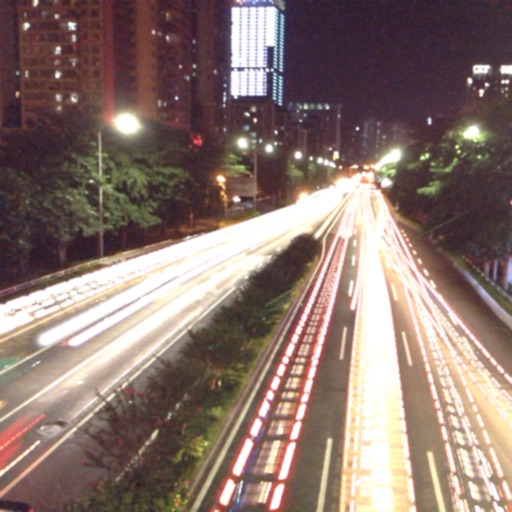
Use AI to capture long exposure photos. Remove crowds, create light trails, and enhance waterfalls. Adjust exposure settings automatically. Preview and edit images with advanced tools. Share final photos directly.
The app captures photos using slow shutter speed effects to create light trails and streams. Users can control exposure time and focus for motion blur photography.
Control your camera remotely with . Adjust settings like aperture, shutter speed, and ISO. Use Smart Mode for automatic scene recognition and setting optimization. Trigger focus and exposure adjustments. View live preview and review captured photos.
Create and share videos with special powers like fireballs, lasers, and teleportation. Apply comic book-style visual effects and explosive soundtracks. Record in 720p HD and share on Instagram, Facebook, YouTube, or email.
Record videos with a effect by displaying scripts beside the camera. Read lines while facing the camera to maintain eye contact. Position device freely for optimal script visibility during recordings.