Track time since important dates with event counters that count up and down. Set reminders linked to events. Group events into custom categories. Add images from your device or search Unsplash. Arrange events alphabetically.
Count up or down by tapping. Customize the display and reset the . Adjust values manually or through quick taps. Features include editing, resetting, and a user-friendly interface.
Countdown to events, birthdays, concerts, and holidays with auto reminders and a planner. Track countdowns with configurable units and Instagram-style filters. Sync Facebook events and set visual reminders.
Allows users to create and manage for various tasks. Features include countdown, quick start, count-up, Pomodoro, interval timer, stopwatch, and custom intervals. Users can set alarms, track time, and organize tasks efficiently.
Track and manage counters with a plus button to add new entries. Swipe to remove unwanted counters. Use for inventory management or counting items in games.
Track counts with customizable counters for sets, laps, items, or habits. Set goals with progress rings and receive haptic feedback on each tap. Organize counters using folders and color labels. Export data or share results directly.
Count and tasbeeh with a simple, distraction-free interface. Track progress and history. Use a calming color palette and clean design. No ads or clutter. Set reminders for daily practice. Export session data for review.
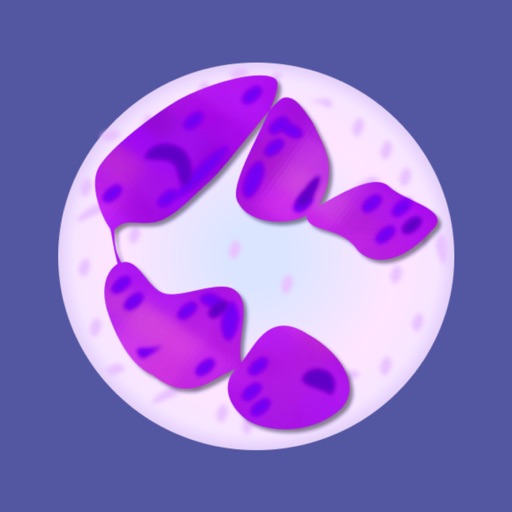
Count white blood cells using touch and count modes. Set thresholds for notifications at 100, 200, 500, and 1000. Adjust total count by including or excluding nRBC. Calculate cell numbers based on proportions.