The app provides pitch detection for scale and arpeggio training. It offers various scale modes, a programmable scale option, a metronome, and a scoring system to assess intonation.
by Hans Toft-Olsen★ 2.02 ratingsMusic$3.99Data updated 2026-10-25
Explore musical scales and tunings through interactive soundscapes. Adjust pitch and harmony by touching and manipulating virtual instruments. Discover new tonal structures without prior music theory knowledge.
Visualize pitch and intonation as a trace on the screen. Compare singing or playing instruments to reference tones on a piano keyboard. Track pitch accuracy, slides, and scoops in real time. Used for vocal training and instrument tuning.
Play the oud instrument with realistic acoustic sound. Access scales and notes for practice. Record and share music on social media. Use a piano interface with oud sounds. Manage audio files and engage with interactive features.
Practice singing in tune with detection and melody transcription tools. Test range with built-in scales and exercises. Record takes, scroll through recordings, save sessions, and export as MIDI files.
And with interactive lessons designed for beginners and intermediates. Practice scales, chords, and songs. Play along with built-in accompaniment and metronome. Track progress with lesson completion and performance reviews.
Set beats per minute and choose between eighth notes, triplets, or sixteenth notes. Use normal, repeat, or program modes. Adjust tempo and hear natural sounds with realistic pendulum animation.
Train musical ears with interval recognition, melody identification, and chord detection exercises. Create custom drills and adjust difficulty levels. Receive instant feedback on note entries and track progress over time.
To play , cornet, and flugelhorn in Bb and C. Use live feedback on rhythm and pitch while playing. Tune your instrument with a built-in tuner. Access songs, exercises, and guided lessons for all skill levels.
Find and play guitar scales and chords for pedal and lap guitars. Support multiple string configurations and tunings. Add custom pedal and lap tunings. Display chord diagrams and scale patterns. Save and share user-created tuning setups.
Access clinical calculators for patient assessments. Retrieve scores like CHADS2 and Glasgow Coma Scale. View high-quality images for reference. Look up classifications and scales. Store and retrieve critical information quickly.
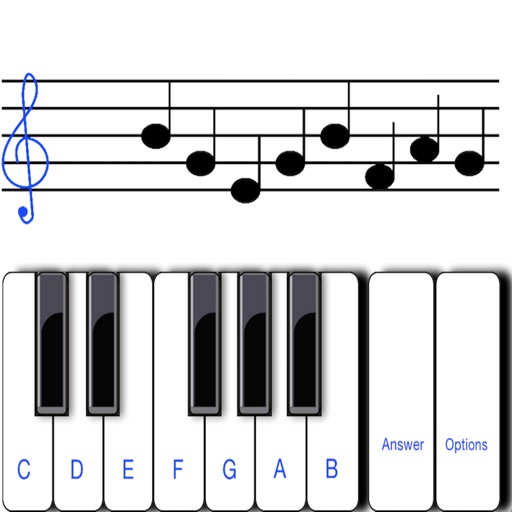
To notes in G and F clefs. Practice notes above and below the staff across six octaves. Randomly generated notes apply to any instrument. Switch clefs for varied practice. Receive feedback on missed notes. Set pace and limit octaves for beginners.
Explore with chord and scale references. Identify and analyze chords. Create and edit MIDI files. Use AUv3 plugins for sound synthesis and composition. View detailed scale information and interval relationships.
Create progressions and loop them in sync with other apps. Trigger chords via MIDI footswitch. Explore music theory and harmonies. Save and share progressions. Sync with Apple Health.
Create and save progressions with visual feedback. Trigger chords via MIDI footswitch. Sync progressions with other apps. Learn relationships and scales. Play chords on an on-screen piano keyboard. Use pads to organize and access saved chords.
Practice identifying , , and intervals through interactive exercises. Train ear to recognize melodies and chord progressions. Play accompaniment on guitar or piano. Track progress with built-in exercises and scales.
Explore chords, scales, and arpeggios with interactive libraries. Select root notes and adjust lowest or highest notes for custom chord shapes. View and practice scale patterns with detailed diagrams.