This app offers a beautifully designed version of Klondike Solitaire with features like one-touch moves and larger cards. It includes multiple themes, scoring modes, and draw types, with support for portrait and landscape orientations.
by Optime Software LLC★ 3.614 ratingsGames$0.99Data updated 2026-10-25
Play with offline mode and left-handed support. Customize board and card backgrounds. Access daily challenges and draw 1 or 3 cards. Track progress with record keeping and undo moves.
Play by arranging cards through tapping or dragging. Manage multiple decks and undo moves. Access daily challenges for new gameplay. Track progress and compete in leaderboards. Share scores with friends. Adjust game speed and difficulty settings.
Play Classic with realistic animations and smooth transitions. Customize settings including draw options and scoring. Use real-time hints and unlimited undos. Enable or disable tap-to-move and only winning deals.
Play with options like Draw 1, Draw 3, undo, and hint. Choose between regular and guaranteed winnable games. Track progress and adjust difficulty settings. Share scores and compete with friends.
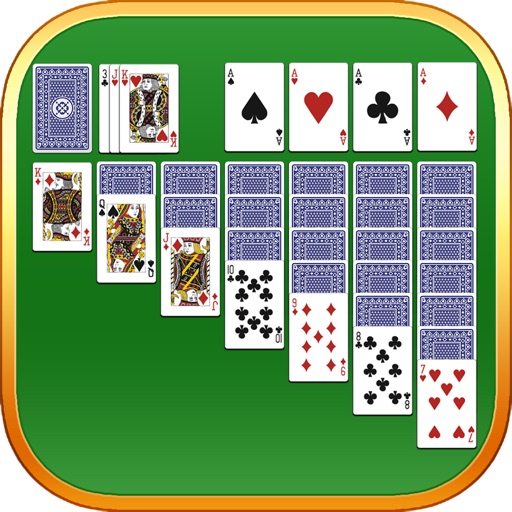
Play classic with Klondike gameplay. Move cards between tableau piles, build sequences down from King to Ace. Use unlimited undo and hints. Track statistics and set timed challenges. Choose to draw one or three cards. Autocomplete completed layouts.
Play by dragging and dropping cards or tapping to move them. Choose left or right handed mode. Save and resume games during interruptions. Use unlimited redo, optional 1 or 3 card draws, and standard or Vegas scoring.
The app offers multiple solitaire games like FreeCell, Spider, and Klondike. Users can play in landscape or portrait modes with various themes and customizable backgrounds.
Play Solitaire in a visually appealing setting with Klondike-style gameplay. Move cards between piles, build sequences, and clear the tableau. Undo moves and restart games. Track progress and view high scores.
Play with ad-free gameplay and classic card layout. Shuffle cards using the same algorithm as Windows . Enjoy modern graphics and Retina display support for and Pro. Track game progress and replay previous hands.
Play with customizable card styles and options to draw one or three cards. Use unlimited undo and hints. Complete daily challenges to earn crowns and trophies. View leaderboards and auto-complete solved games.
Play Solitaire with customizable card decks and animated gameplay. Choose between random and winnable layouts. Features include offline mode, adjustable difficulty, and progress tracking. Share high scores and compete with friends.
The app offers multiple solitaire variations including Klondike, FreeCell, and Spider. It features smooth animations, custom table support, and an undo/redo function.
Play with large, readable cards and a clear interface. Choose to draw one or three cards. Access a vegas mode. Listen to handpicked sounds. Track game progress and save multiple sessions.
Play with goal progressions and updated scoring. Track personal scores and complete daily goals for XP and titles. Deal from a standard deck, move cards between tableau piles, and win by moving all cards to foundation piles.
Play Solitaire with Draw 1 and Draw 3 modes. Access Vegas games. Customize card faces and backs for different screen sizes. Choose from various game board color options. Adjust game settings for enhanced visuals and sound.
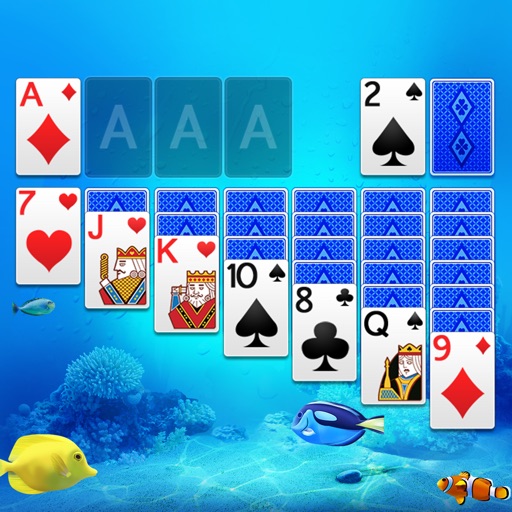
Play with scenic themes and customizable designs. Draw one or three cards, tap or drag to move cards. Access smart hints and auto-collect completed cards. Track scores, view statistics, and complete daily challenges.
Customize the game with over 40 themes and choose between Draw-1 and Draw-3 modes. Track statistics and progress. Play in landscape or portrait orientation.
Play solitaire with classic Klondike rules and new card designs. Move cards between tableau piles, build sequences down from King to Ace. Complete foundations by matching card suits. Undo moves and restart games.