The app offers a beautifully designed version of Klondike Solitaire for mobile devices. It features one-touch moves, larger cards, multiple themes, and various scoring modes for a customizable experience.
by Optime Software LLC★ 4.63,924 ratingsGamesFreeData updated 2026-10-25
Play Solitaire Kingdom to clear cards from the table using simple rules. Manage card piles, move cards between layouts, and complete levels. Track progress and unlock new game modes.
Play with larger cards and fonts for easier viewing. Sort cards into foundations by suit. Move cards between tableau piles. Complete levels by building sequences. Track daily challenges and progress. Share scores with friends.
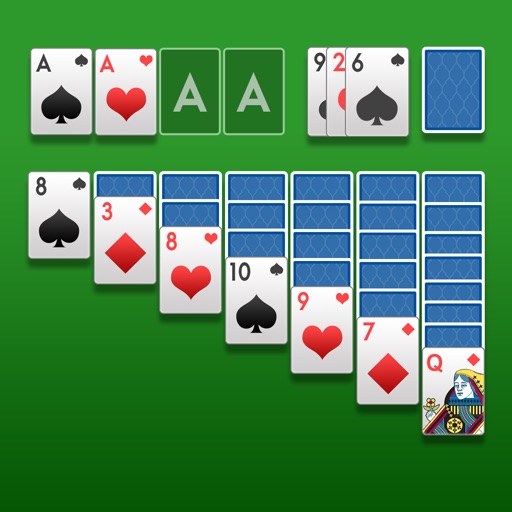
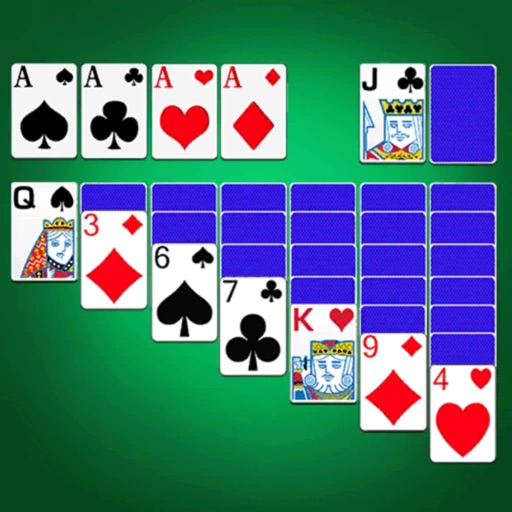
Play Klondike by arranging a 52-card deck into seven piles. Reveal hidden cards by moving them. Build foundations in ascending order from ace to king. Undo moves and restart games. Track progress through multiple rounds.
Play card battle games with turn-based combat and strategic card combinations. Battle against opponents in quick matches. Customize decks with unique cards and abilities. Unlock new cards through progression and rewards.
The app offers Klondike and FreeCell solitaire games. Users can interact with cards by touching and dragging them, or by double-clicking to move them to the foundation.
Solve puzzles by completing half-drawn images with a single line. Test problem-solving skills with increasing difficulty levels. Track progress and compete with others in leaderboards. Share completed puzzles on social media.
The app offers a realistic blackjack experience with gesture controls and free chip reloads. Users can learn strategy, card counting, and view detailed statistics.
Play to win with Tap Frenzy, Memory Flip, and Quiz Rush, which test reflexes, memory, and knowledge with visual feedback and progression. Create using AR Game Art to trace characters, adjust opacity, and lock layouts.
Play solitaire with rich graphics and smooth animations.
The app offers a variety of solitaire games with rich graphics and smooth animations. It includes features like tilt control, multiple card decks, and unlimited undo options.
The app allows users to play the game of Go on an iPhone or iPad. Users can play against another human or the computer, with adjustable board sizes and computer strength.
Play by arranging cards in sequences from king to ace. Draw cards from stock, move cards between piles, and complete foundations. Undo moves and restart . Track progress and save multiple game sessions.