The app provides a Kannada system keyboard for iOS. It assists users in typing Kannada on iPhone and iPad with features for copying text, translating Kannada to English, and sharing text via social media and messaging.
by LE SANG★ 5.01 ratingsProductivityFreeData updated 2026-10-25
Create and organize with text, titles, and automatic date stamps. Include interactive links, phone numbers, and addresses detected from text. Add up to six photos via camera or gallery. Use a horizontal keyboard for typing.
Assistant allows users to search Google and YouTube using commands. It converts spoken words into text and sends them to compatible apps like Twitter and SMS. Users can transfer input to other applications without typing.
Enable line breaks in text by copying formatted content from the . Paste into social media text fields for proper formatting. Save drafts for later editing. Adjust text spacing and alignment. Share formatted text directly to supported platforms.
Save frequently used text snippets on a personal pasteboard. Access and copy text quickly from a toolbar. Edit fonts and choose between dark or light themes. Sync with Instagram, WhatsApp, Messages, Snapchat, and Tik Tok.
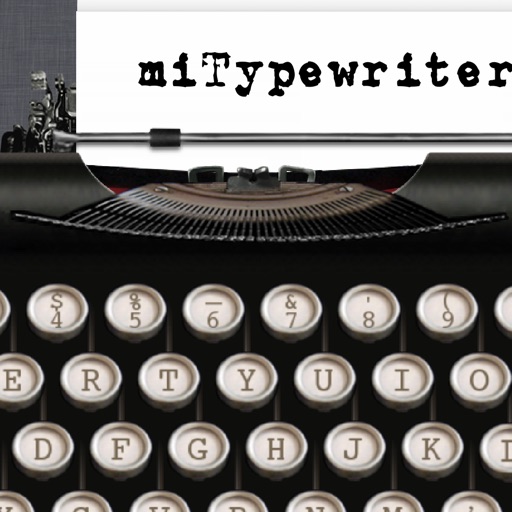
The app provides a realistic typewriter experience on the user's iPad. It offers features such as email by image or text, a backspace key, multiple fonts, keyboard layouts, and ink ribbon colors.
Provides access to Japanese text emoticons as a keyboard for iPhone and iPad. Users can switch to and from the keyboard in messaging apps like iMessage, WhatsApp, and Instagram. It allows adding expressive text emoticons to messages.
The app provides over 120 fonts for use in various applications. Users can customize profiles, write comments, and send messages with different text styles.
The app translates voice input into another language with voice recognition. It supports both voice and keyboard input, and users can share translation results via email and SMS.
Manage tasks with hierarchical lists, subtasks, and priorities. Attach notes, files, and due dates. Sync with on Mac. Integrate with Reminders. View progress with timeline and calendar views. Share tasks across devices.
The app offers over 500 Unicode symbols across seven categories. Users can send fun characters via email, messages, or copy them to the clipboard for use in any application.
Allows users to type in using English letters with transliteration. It provides word predictions for both and English. Users can switch between languages using a language key. Emoji access is available after pressing 123.
Spelling using microphone or keyboard input. Correct words and phrases with instant feedback. Share corrected via copy or share options. Listen to correct pronunciation of any English word.
Enables typing in by setting it as the default input method. It organizes letters alphabetically for easy access. Users can write on supported platforms like Facebook and Google without additional steps.
Type language using a customizable keyboard layout. Support swipe gestures for faster typing. Allow custom key arrangements. Enable text prediction and autocorrect. Save and switch between multiple keyboard layouts.