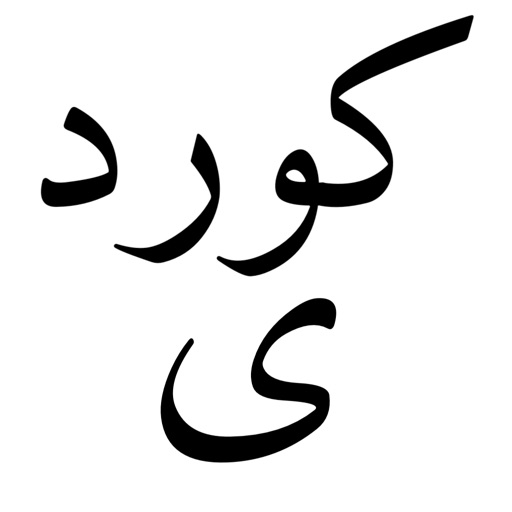
The app provides an Urdu typing experience with an Urdu-QWERTY layout optimized for iPhone. It supports typing in Nastaleeq web font and includes all special letters.
by LE SANG★ 4.69 ratingsProductivityFreeData updated 2026-10-24
Fill template texts instantly from your keyboard. Store frequently used phrases, replies, and contact information. Access saved content with a single tap. Avoid repetitive typing for emails, addresses, and account details.
Access Quranic texts in Arabic, Roman Arabic, Roman Urdu, and English. Track Namaz times, qiblah direction, and azan. View interactive maps of Islamic sites. Manage bookmarks, favorites, and recitation records.
Edit text with 100+ and emoji. Convert text to different in real time. Copy and paste formatted text across apps. Supports dark mode and system style. Works with Instagram, Snapchat, TikTok, Roblox, WhatsApp, and iMessage.
Customize text appearance by selecting from 20+ unique . Apply across multiple apps including WhatsApp, Facebook, and Instagram. Access via the on-screen keyboard for typing in any application.
Custom fonts and animated themes let users personalize their with fresh designs. AI-powered features enhance typing accuracy and offer predictive text. LED themes provide customizable lighting effects.
Allows typing in using English letters with transliteration. It provides word predictions for both and English. Users can switch between languages using a language key. Emoji access is available after pressing 123.
Allows typing in Malayalam using English letters with transliteration. It offers word predictions for both Malayalam and English. Users can switch between languages using a language key. Emoji access is available after pressing 123.
Create and manage a personal profile. Browse and select call, SMS, or hybrid packages. Activate or deactivate bundles. Recharge credit online. Apply for loans instantly.
Units quickly by typing to filter options. Select a to restrict the second to its category. Save frequently used units to a Favorites list. Browse units manually when needed.
Learn and practice frequently occurring Quranic words with meanings in English and Urdu. Memorize through repetition and quizzes. Access interactive videos, textbooks, and workbooks for practice. Improve Salah quality with guided exercises.
Type on Apple using T9 and Glide Typing for accurate and efficient messaging. Switch between layouts. Send messages directly from Apple after installation on iPhone.
Type in unique and symbols for social media and messaging apps. Customize design with images and colors. Choose from themed layouts. Switch instantly during typing. Share styled text across multiple platforms.
Provides Sorani with full characters and symbols. Features separate iPad design and standard Apple shift & alt layout. Includes one QWERTY layout with additional layouts planned. Simple, fast, and minimalist interface.
Translate text by typing and tapping 'Translate' or copy and translate received messages. Use 'Translate and Read to Me' to hear translations aloud. Supports multiple languages and offers real-time options.
Take pictures to instantly identify objects and . across all languages with high accuracy. Supports multiple platforms and offers a simple, focused translation experience without extra features.