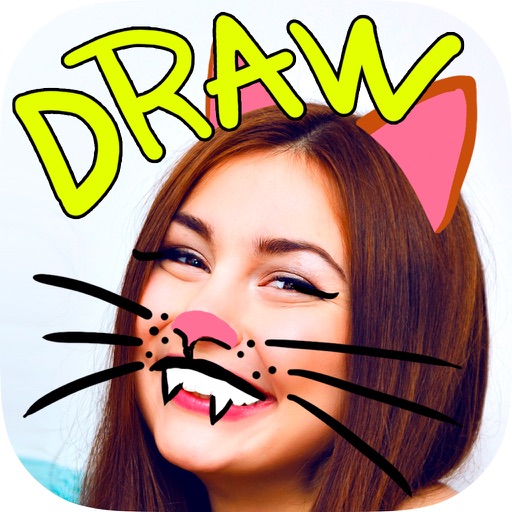
Paint and draw with customizable brushes and colors. Add stickers or emoticons with rotation options. Choose from 40 pattern or plain backgrounds. Adjust brush stroke style and thickness. Save and share your artwork.
by Jessica Tunnicliffe★ 0.00 ratingsUtilities$2.99Data updated 2026-09-08
Personalized by selecting photos or from your gallery and applying favorite frames. Adjust images with zoom, rotation, and movement. Choose background music or mute the video. Save and share the final video through social media apps.
Create square frames using images from your photo library. Add multiple images to a frame. Change . Rotate, resize, and reposition images. Preview the final image. Save the completed image to your photo library.
Take photos and videos with adjustable settings. Apply free filters and themed stickers. Enhance skin tone, smooth features, and adjust facial elements like eyes and lips. Save and share edited content directly.
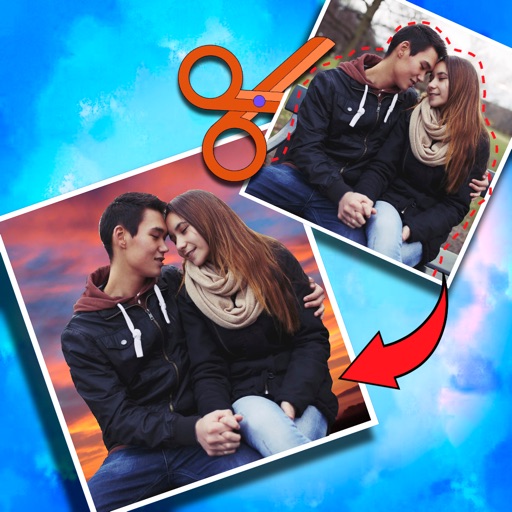
Crop photos and save individual cropped sections for later use. Combine cropped images with backgrounds or other photos to create new compositions. Apply filters to enhance the visual appearance of edited images.
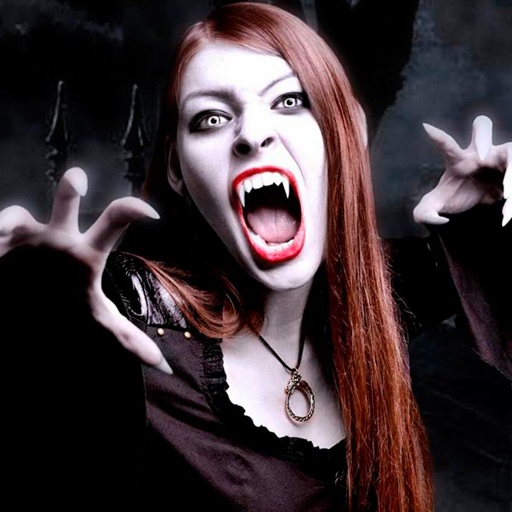
Edit photos by adding vampire from a collection of over 120 options. Adjust sticker placement and choose between black or white background. Select photos from the gallery or capture new ones with the built-in camera.
Edit photos with neon, shadow, and synthetic effects. Adjust brightness, contrast, and color. Add text, stickers, and transparency. Apply blur, cartoon processing, and halftone patterns. Invert colors and use copy-paste tools.