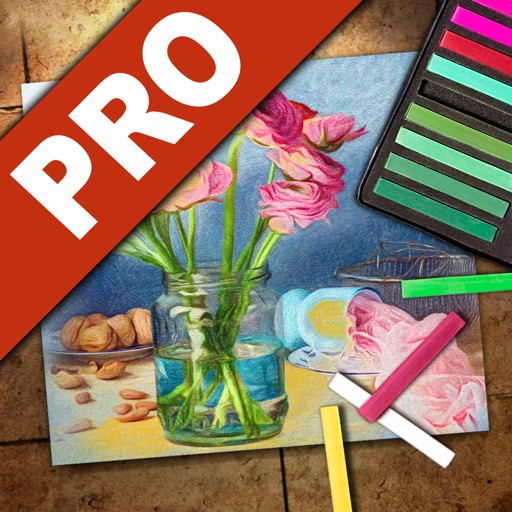
The app adds painting effects to photos, transforming them into various gorgeous effects. It offers 23 effect filters and 3 paint modes with an easy and simple interface.
by nedis★ 3.52 ratingsProductivityFreeData updated 2026-10-24
Create clouds by selecting color themes, fonts, and layouts. Choose from six layouts including horizontal, vertical, and half and half. Input text to generate clouds where common words appear larger.
Transfer files between devices, iCloud Drive, and cloud services like Dropbox, Box, OneDrive, and Google Drive. Upload/download to FTP/SFTP/FTPS servers. Save local files to iCloud Drive. Export files in various formats.
Create and view drawings in real-time using AR technology. and on screen with customizable tools. Export artwork in various formats and share directly. Adjust colors, brush sizes, and layers for detailed editing.
The app transforms user ideas into posters, flyers, and graphic designs. It offers professional tools with an intuitive interface, allowing users to choose templates, customize layers, and share creations.
Documents or photos and select a Wi-Fi to print instantly. Choose files from storage or write text notes to print. Supports PDF, DOC, JPG, and JPEG formats. Compatible with over 7000 AirPrint models.
Create collages by selecting multiple photos and choosing from various layouts. Apply filters, add stickers, and include text to edit the . Generate 3D collages with different frames for a realistic 3D effect. Share the final directly.
The app transforms static photos into 15-second animated videos. Users can create cinematic motion with drag-and-drop controls and add decorative frames.
Add tasks quickly with minimal input and complete them with a double tap. Set reminders for important tasks. Automate recurring tasks with weekly, monthly, or yearly repeats. Track task completion and manage priorities without complex settings.
Create and edit music with a variety of tools. Trigger pads in live mode. Adjust effects in dedicated mode. Arrange samples in sequences, takes, and groups. Record via microphone. Generate samples using AI. Add fade-in and fade-out regions.
Edit images with filters, cropping, and adjustment tools. Resize images by setting width and height. Export multiple images as a single PDF file. Add text and stickers to photos. Save and share edited images directly.
Edit photos with professional filters, effects, and frames. Retouch images with powerful tools like spot healing and color correction. Adjust brightness, contrast, and saturation. Crop, rotate, and apply stickers.