Create musical sketches and chiptunes with true 1-bit sound. Use a pattern-based sequencer to arrange notes. Access sound packs for unique tones. Record audio from microphone or line-in. Import and export WAV files.
Connect your Techno or neo to play music. Choose from various instrument sounds and built-in rhythms. Adjust settings to customize sound. Access controls through a simple, intuitive interface. Jam along with pre-set beats or create custom tracks.
Create and edit beats using samples and sequencer programming. Tap pads or use advanced controls for sound shaping. Build complex sequences and customize rhythms. Export projects and share beats directly.
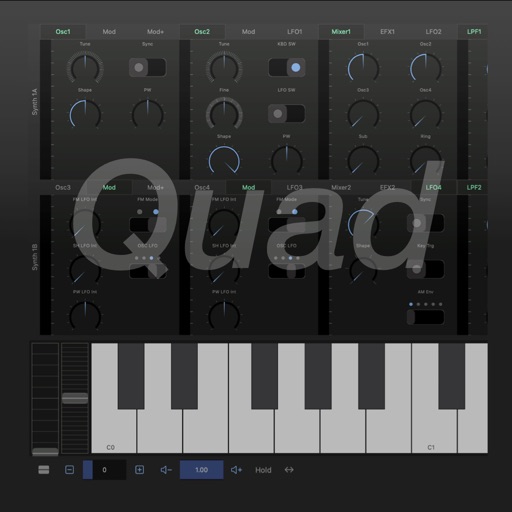
Create and manipulate complex sounds using a vintage synthesizer interface. Adjust filters, envelopes, and oscillators. Control via MIDI, MPE, and Ableton Link. Export audio files and integrate with AUv3 plugins.
Create and edit musical scores and tablature with tools for notation and tab editing. Import or start new scores. Share files with collaborators. View and analyze existing sheet music and tablature. Adjust notes, rhythms, and formatting.
Play pre-recorded rock vocal clips featuring David Lee Roth. Select from 24 clips including multiple variations of "Yeah!" such as "Ooooooo Yeaaaahhhh!" and "Aaaaahhaaaayeeaaaah!" Share clips via social media or messaging.
Create rhythmic tones by pressing keys, adjusting timing and sound parameters. Trigger patterns without sequencers or arpeggiators. Customize sounds and rhythms. Sync with hosts for integration.
Create and manage drum kits by importing professionally recorded samples. Trigger samples via MIDI or built-in pattern editor. Sync tempo with DAW. Edit and sequence drum patterns. Build and organize custom drum kits.
Create and design synthesizers with modular patches. Adjust audio parameters in real time. Export sounds and share projects. Use professional-grade tools for live performance and experimentation.
Create and record musical sequences in real time. Adjust synthesis parameters for customized sound. Connect up to two devices for collaborative playing. Features intuitive interface, bright colors, and accessible design for all skill levels.
Create drum sounds and synthesize vocals using a 24-part sound engine. Use a pattern sequencer to arrange beats. Apply effects including a Phrase Vocoder that converts text to vocal-like sounds. Adjust vocal characteristics such as gender.
Create dynamic stereo panning patterns and rhythmic movements for audio tracks. Adjust panning with precise editing and pattern sequencing. Add fluid motion to static sounds or enhance existing audio with evolving stereo effects.
Create and manipulate sound with three independent synthesizers. Adjust pitch from 8–20,000 Hz. Slide or snap notes to scales with customizable glide rates. Set and edit individual notes for precise musical control.
Create and customize synthesizer sounds using modular analog and digital synthesis. Add physical modeling modules for unique textures. Patch modules wirelessly and route modulation intuitively.
Create immersive soundscapes by adjusting Size and Overdrive for rich reverb and distortion. Morph between soft-clipping and hard-ripping overdrive. Use Wobble for eerie effects and Ribbon for precise control.