The app helps users clean up Final Cut Pro X libraries, projects, and events. It provides an easy method for deleting unneeded files before archiving, including render, proxy, and optical flow files.
by Helge Tjelta★ 0.00 ratingsPhoto & VideoFreeData updated 2026-10-23
Convert video and audio files to multiple formats. Support includes WMA, MP3, AAC, WAV, M4A, AC3, OGG for audio and various video formats. Play converted files on devices like iPhone, iPad, Android phones, Apple TV, and WD TV.
The app converts video and audio files into DVD discs, ISO files, or folders. Users can customize menus, add background music, and preview their creations before burning.
Play music and videos with high-quality audio and HD playback. Rename, cut, delete, and share videos. Resize videos based on playlist selection. Control playback, record, and manage media sources.
Organize photos and videos by restoring original creation dates. Automatically rename files using standardized naming conventions. Sync media across devices and maintain chronological order for easy sorting and retrieval.
Monitor live video feeds from connected cameras. Playback recorded video files. Download files to the mobile device. Adjust camera settings such as resolution, format, and sync time.
The app imports SRT subtitles into Final Cut Pro 7 or Final Cut Pro X using an XML file. It supports most encoded SRT files and allows users to edit subtitles within Final Cut Pro after import.
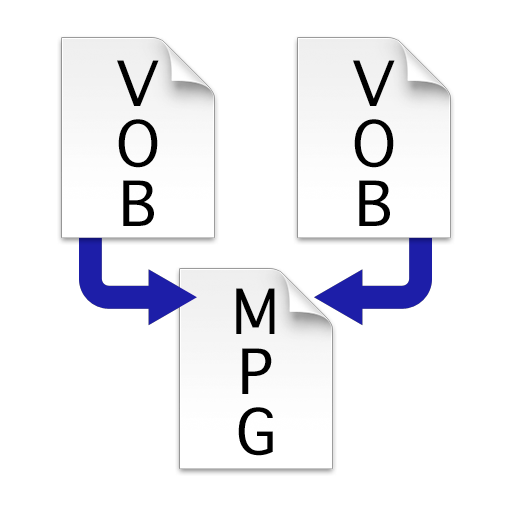
Combine multiple VOB files into a single MPEG file without re-encoding. Merge VIDEO_TS folders to create one large video file. Save and export the merged file for playback or transfer.