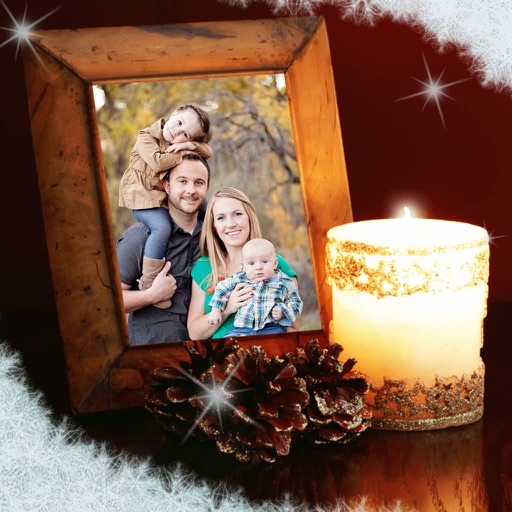
Capture photos with a variety of frames including general, antique, fame, fun, heart, flower, kid, Christmas, Halloween, diamond, and gold. Use custom frames with adjustable transparency, hue, saturation, and brightness. Apply filters and effects.
by Ratha Sou★ 4.113 ratingsPhoto & VideoFreeData updated 2026-09-08
Edit photos with text layers, borders, matting, rounded corners, 3D bevels, and shadows. Adjust cropping ratios and apply internal and external shadows. Share edited photos directly to social media.
Add padding, borders, and frames to photos for optimal platform fit. Adjust padding size and style. Export full-resolution images without quality loss. Process multiple photos in batches.
Capture and edit photos with AI-powered enhancements. Adjust colors, brightness, and contrast. Apply filters and effects. Add text and stickers. Export in various formats and share directly.
Add a -themed frame to images. Choose from over 30 designs. Edit photos with cropping and filters. Save and share edited photos. Apply to both new and existing photos. Adjust brightness and contrast. Export photos in various formats.
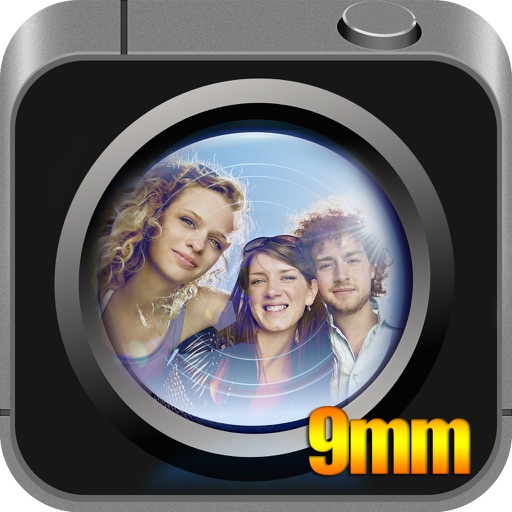
Take -angle selfies to capture more people or scenery. Adjust the 9mm angle for a broader view. Share directly to social media platforms like Instagram and Snapchat. No stick required.
Record video using front and rear cameras at the same time. View content in picture-in-picture mode. Animate scenes in real-time. Capture moving circles around the subject. Share videos directly from the .
The app allows users to apply photo brushes to transform pictures into paintings. It offers 20 kinds of art photo brushes with adjustable direction, hue, saturation, and blur, and includes an auto painting mode.
Edit photos by selecting from a gallery or the camera. Apply multiple stylish and effects. Adjust position, size, and angle with finger gestures. Share edited images directly.
Capture photos of the moon by aligning the camera manually. Adjust moon size with two fingers. Tap to autofocus or manually adjust focus. Modify brightness using +/- buttons for better detail. Press the circular button to take a photo.