Capture photos with a variety of frames including general, antique, fame, fun, heart, flower, kid, Christmas, Halloween, diamond, and gold. Use custom frames with adjustable transparency, hue, saturation, and brightness. Apply filters and effects.
by Ratha Sou★ 4.113 ratingsPhoto & VideoFreeData updated 2026-09-08
The app provides layouts, backgrounds, and frames for designing photo collages. Users can select templates, upload photos, and adjust them with effects, resizing, or rotation.
Capture photos from videos by playing the within the and selecting frames at desired times. Save multiple high-resolution images and access them in the phone gallery.
Edit photos with gold and apply filters for enhanced visuals. Add text and stickers to images. Create montages and share edited photos directly. Adjust brightness and contrast for better clarity. Export images in various formats.
Apply frames to images. Adjust frames to fit photos. Edit images with special effects. Save and share edited photos. Switch between different frames easily.
The app offers a variety of photo effects, including filters, 3D, and frames. Users can access 208 effects for free, with over 1300 additional effects available through in-app purchases.
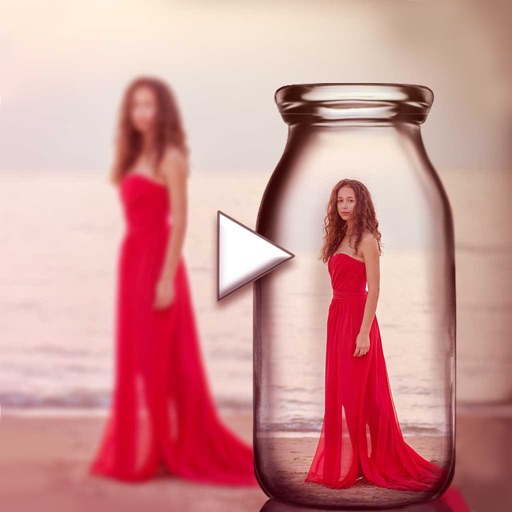
Edit photos with -themed and creative effects. Choose from gallery or camera sources. Apply enhancements for realistic visuals. Share edited photos directly.
Extract high-quality frames from videos and select the ones. Edit key frames, create animated GIFs, and export custom loops. Share clips directly to social media platforms like TikTok and Instagram.
The app offers a straightforward stop motion animation experience for iPad. Users can create short animations with a simple interface, capturing up to 18 frames per movie and adjusting the frame rate.
The app transforms photos into surreal art with 15 animated effects like comic-book ink, VHS, and glitch. Users can import photos or use the camera to capture images and apply real-time, on-device rendering.
Personalized by selecting photos or from the gallery and applying favorite frames. Adjust images with zoom, rotate, and move gestures. Choose background music or mute the video. Save and share the final video through social media apps.
Enhance photos with Hi-Def, Scenery, Food, Portrait, and Night modes. Apply over 100 free and purchasable filters. Add stickers, frames, and overlays. Touch up selfies with redey tool. Share edited photos directly.