The app is a bitmap image editor for creating custom glitch effects. Users can layer filters, pixelate images, adjust color and orientation, or apply multiple filters at once.
by Nidal Fakhouri★ 4.530 ratingsPhoto & VideoFreeData updated 2026-10-23
Edit photos by applying filters and adding eye effects. Choose from multiple eye styles and import images from the camera roll. Share edited photos on social media platforms like WhatsApp, Facebook, and Twitter.
Create image compositions with layers, shapes, and text. Edit photos with touch-up tools and painting features. Add filters and adjustments. Export in various formats and share directly.
Create collages by combining pictures, videos, or a mix of both. Choose between sequential or delayed video playback. Use built-in layouts or design custom ones. Select from 1:1, 9:16, 3:4 ratios or set custom proportions.
Add crystal filters to photos and videos for a prismatic effect. Apply dreamy, mysterious looks with artistic color presets. Fine-tune media with customizable adjustments. Convert photos into animated effects. Share edited content directly.
Turn photos into cartoons with AI-powered filters. Apply effects, add toon backgrounds, and combine drip effects. Edit layouts and create anime-style avatars. Share edited images on social media platforms like Instagram, Facebook, and TikTok.
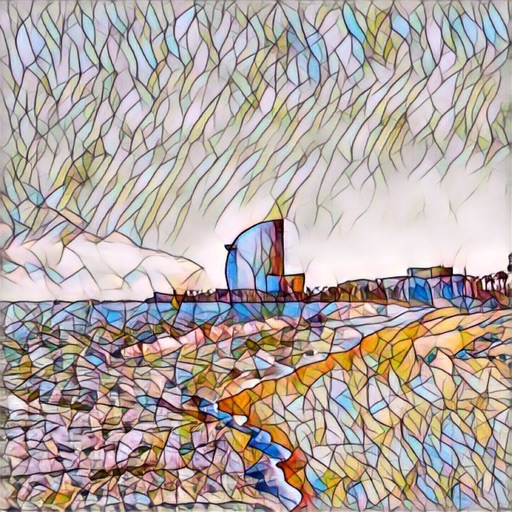
Apply AI-generated art filters to photos using style transfer technology. Adjust brightness, exposure, and temperature for fine-tuning. Save and share edited images directly.
Take photos with multiple filters, light leaks, and effects. Use a timer, volume keys, and composition lines. Crop images in various ratios. Edit photos with filters and apply them to images taken with other apps.
Create animation with filters, changer effects, and 8 animation styles including cartoon, , and pop art. Apply effects live from camera or photo library. Share on Instagram, Snapchat, or Facebook.
Create photos with effects and light leaks. Apply 36 shapes and 33 light leak effects. Use 23 image filters. Adjust size, opacity, and color. Draw multiple shapes with touch. Apply multiple shapes to one photo.
Edit videos with Smart Cuts to highlight key moments. Adjust length with Auto Length. Apply Original Themes with layout, music, and filters. Use Creative Layouts to design eye-catching grids. Export videos in multiple formats.
Create custom voices and apply effects using AI technology. Generate text-to-speech audio and add filters. Record and edit tracks. Share finished audio files directly.
Edit videos with one-click effects and special FX. Apply various styles to videos. Export and share -edited videos directly. Adjust effects for different formats.
Decorate photos with over 400 styled stickers. Place stickers using simple and intuitive controls. Add text, filters, overlays, and frames to enhance images. Supports iPhone, iPod Touch, and iPad.
Manipulate audio by creating micro loops and scrubbing sound. Set loop points and adjust lengths. Reverse live audio. Rearrange audio in real time. Compatible with host apps like AUM and GarageBand.
Enhance images with one tap using 16 . Apply effects and adjust brightness, contrast, and saturation. Share photos directly to Instagram, Facebook, and Snapchat. Export edited images in various formats.
Apply effects to photos in real time with 8 live lenses. Add 60 live filters to lenses or use 60 static filters for creative enhancements. Capture and share edited images directly.
Capture photos with manual exposure and focus controls, RAW and TIFF support, and real-time adjustments. Edit images with advanced tools, apply effects, and export in high-quality formats. Share photos directly from the .