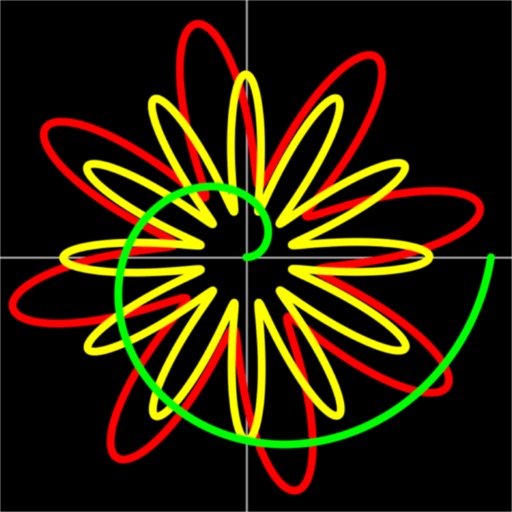
Solve math problems with natural textbook input and fraction support. Trace graphs with touch. Zoom using pinch gestures. Tap for regression analysis. Swipe to scroll through calculation history and matrices. Access help via the ? key.
by Ernest Brock★ 4.94,043 ratingsEducation$12.99Data updated 2026-11-18
Solve problems by adding, subtracting, multiplying, and dividing fractions. Support for mixed numbers and improper fractions. Visual representations aid understanding. Step-by-step explanations guide solutions. Automatically simplify fractions.
Solve math problems with step-by-step solutions. Handle basic operations, equations, functions, and matrices. Support geometric calculations by entering known values. Input tasks via keyboard or camera.
Customize themes with 65536 color options and adjust history display height. Add notes to history entries and share them via email. Perform basic math operations, use backspace, and view/edit calculation history. Supports Dark Mode.
Draw on OpenStreetMap maps to create notes, diagrams, and annotations. Add lines, text, symbols, and illustrations. Scroll, zoom, and use multi-touch during drawing. Save and share your sketches directly.
Customize calculator appearance with wood grain, marble, floral, and other designs. Change icon for personalization. Perform basic math operations including addition, subtraction, multiplication, and division.
Solve problems by snapping a photo for instant solutions. Receive detailed step-by-step explanations. Access interactive lessons and practice exercises. Track progress and review past problems. Share solutions and explanations with others.
Track and log personal experiences with customizable categories for hobbies like reading, movies, and games. Record details such as taste notes for coffee or feelings at cafes. Display data in lists or graphs for analysis and statistical insights.