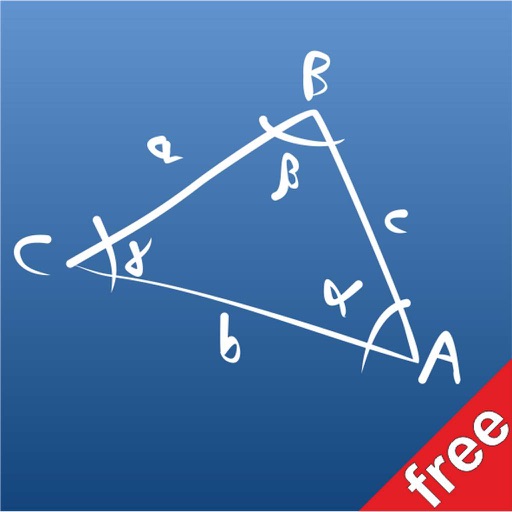
The app provides a free version for solving triangles. It allows users to scroll through various cases on a blackboard to select the problem they need to solve.
by Giovanni Bellu'★ 0.00 ratingsEducationFreeData updated 2026-10-23
Interactive geometry constructions for everyone to learn.
The app is an educational game for iPhone that teaches plane geometry through interactive constructions. It offers 38 levels across four categories, with hints and a practice mode available.
Practice with audio recording, playback, and pitch detection. Transcribe melodies by tapping notes. Adjust tempo and key. Play along with backing tracks. Set practice goals and track progress. Sync with external instruments.
Allows users to scan and erase handwritten notes. It provides detailed solutions to math problems and organizes mistakes for revision. Parents can view and assist with problem-solving and tasks.
The app offers over 1400 questions and 140 revision notes covering Algebra, Geometry, Data Analysis, and Arithmetic. It provides instant feedback, explanations, and progress tracking to prepare users for the GRE math section.
Send messages to multiple contacts via a texting platform. Broadcast messages to large groups. Send up to 25 messages weekly with the free version. Manage contacts and schedule communications. Receive delivery confirmations and call logs.
Teach logical thinking through fun challenges. Help a car navigate through levels. Includes age-appropriate difficulty progression. No in- advertising. Features simple, intuitive gameplay. Encourages problem-solving skills.
Perform calculations using a scientific calculator with customizable layouts. Take notes automatically with the notepad feature. Enable multitasking with slide over and split view on iPad. Drag and drop elements for easy rearrangement.
Sheet Metal allows users to generate patterns for cones and other complex shapes. Input dimensions and material properties to calculate angles and layout dimensions. Export results for fabrication use.
Solve problems with step-by-step solutions. Input equations for automatic solving and animated explanations. Access over 1,000 sample problems. Use scientific and graphing calculators. Track progress and review detailed solutions.
The app allows users to draw and write on their iPad, functioning as a notepad or blackboard. Users can add typed text, choose background colors, and save or share their creations via email or social media.