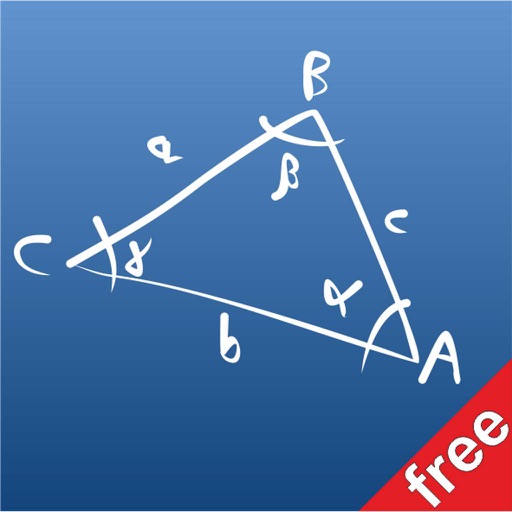
The app provides a free version for solving triangles. It allows users to scroll through various cases on a blackboard to select the problem they need to solve.
by Giovanni Bellu'★ 0.00 ratingsEducationFreeData updated 2026-10-23
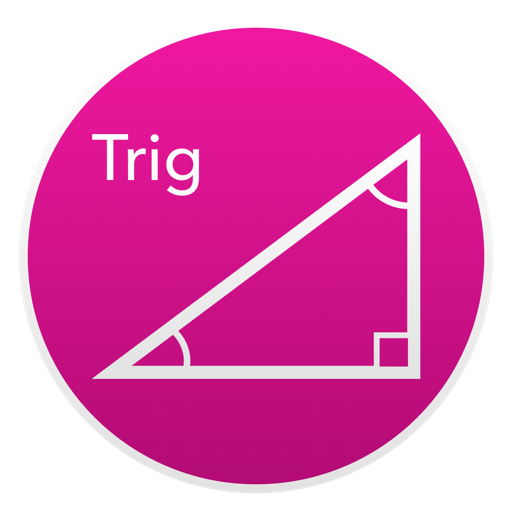
Solve right-angled triangles by inputting known sides or angles. View step-by-step calculations and a scale drawing of the triangle. Access basic formulae. Enter angles in radians, decimal degrees, or degrees, minutes, seconds.
Solve right-angled triangles by inputting known sides or angles. View step-by-step calculations and a scale drawing of the triangle. Access basic trigonometric formulae. Enter angles in radians, decimal degrees, or degrees, minutes, seconds.
Calculate sides and angles for right-angled and scalene triangles. Access a reference guide for formulas. Perform precise calculations using known values.
The app solves triangles given three quantities and handles multiple solutions. It displays side lengths, allows interaction, and auto-saves triangles, including a list of formulas.
Create and animate particle effects in space with drawing tools and customization options. Adjust particle colors and gravity settings. Import images and record videos in full version. Supports iPad for enhanced experience.
Practice math with detailed solutions on angles, lines, triangles, circles, coordinate systems, and 3D . Take and save notes. Receive tips for applying concepts.
This app calculates unknown angles and sides of right-angled triangles. It can draw a scale drawing of the triangle and provides a formula sheet for manual calculations.
Coloring allows users to create endless custom pages with unique designs. Choose from various line sizes and colors. Play offline without internet. Includes calming music. No ads or data collection. Features city, house, and tree themes.
Improve cognitive skills with memory, attention, and problem-solving exercises. Track progress over time. Set daily goals and receive feedback. Sync across devices. Share results with friends.
3D models using gesture-based controls for object and camera manipulation. Multi-select vertices, edges, faces, and objects with long taps or frame drawing. Merge, connect, and create faces from vertices. Draw cuts on edges.
Allows users to take photos of math problems and receive step-by-step solutions. It can plot graphs of equations. Users can chat with an AI tutor for homework and assignment .
Coloring allows users to color pages of cities, houses, and trees. Each page is uniquely generated. Features include offline play, calming music, and no ads. Users can purchase additional coloring packages featuring vehicles.
Perform calculations with math functions and trigonometry. Switch between units like feet, inches, yards, and metric. Visualize measurements and fractions. Track projects with customizable templates. Export results in various formats.
Solve problems with a scientific supporting arithmetic to calculus. Use photo to scan and solve equations. Access an AI homework helper for step-by-step solutions. Perform unit conversions and function calculations.
Coloring offers endless pages with unique designs generated for each user. Pages include city, houses, trees, and vehicles. Features include three line sizes, relaxing music, and no ads. Works offline without internet.
Calculate areas for squares, rectangles, parallelograms, trapezoids, triangles, and circles. Input dimensions to get results. Includes built-in formulas for each shape.