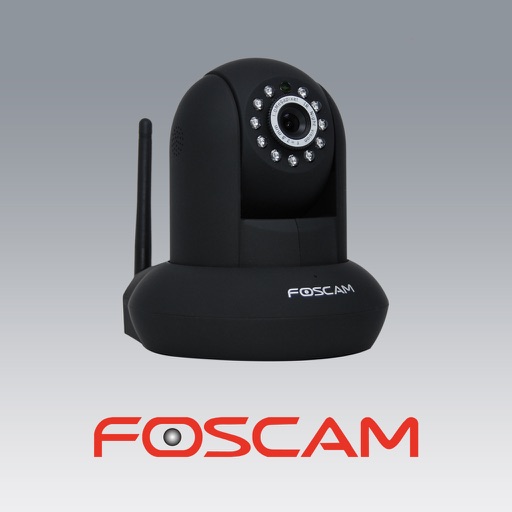
The app allows users to view and control Foscam IP cameras from an iPhone or iPad. Users can watch their home, kids, and pets remotely with a 3G or WiFi connection.
Access photos and video footage from connected dash cams via WiFi. Download, share, and manage files including trimming, cropping, and exporting. View timestamps and location data embedded in videos.
Turn iOS device into a wireless IP with RTSP and HTTP server. View and control via browser. Support bi-directional audio and AirDrop with IP for Mac. Record video based on motion detection. Upload recordings to OneDrive or FTP server.
Remote control air coolers from any location. Manage multiple devices simultaneously. View real-time status updates. Share devices with others via one tap. Coordinate control across devices. Connect using Wifi or Bluetooth.
Control home appliances remotely from any location. Manage multiple devices simultaneously. Set timers for various functions. Share devices with family members with one tap. Connect devices to the quickly and easily.
Control devices with -wave sensors and IP cameras. Monitor security through live feeds. Adjust settings for energy efficiency. Add devices via plug-and-play setup. Manage all functions from a single interface.
Monitor live video feeds from connected cameras. Playback recorded video files. Download files to the mobile device. Adjust camera settings such as resolution, format, and sync time.
The app plays video and audio from an IP camera. It can access cameras on a local network or the internet, control cameras via Wi-Fi, and save snapshots to an album.
Control home smart cameras remotely from any location. Manage multiple devices simultaneously. Share devices with family members and receive real-time alerts. Connect to devices quickly.
Control quadrotor, view real-time video, take photos
Control a quadrotor aircraft via WiFi. View real-time video feed from the aircraft's camera. Capture photos and record videos on the device. Save screenshots and videos for later review.
Control home lighting, climate, and security remotely
Control home lighting, climate, and security systems through a centralized interface. Adjust settings, monitor status, and manage devices remotely. Integrate with third-party apps for additional functionality.
Record videos using and cameras simultaneously with dual output, picture-in-picture, side-by-side, split screen, or diagonal layouts. Swap cameras during recording and adjust picture-in-picture settings.
Remotely control X Series cameras to capture time-lapse videos in RAW format. Set advanced self-timers with customizable delays and intervals. Adjust waiting and capture sounds. Capture selfies, real-estate, travel, and group photos.