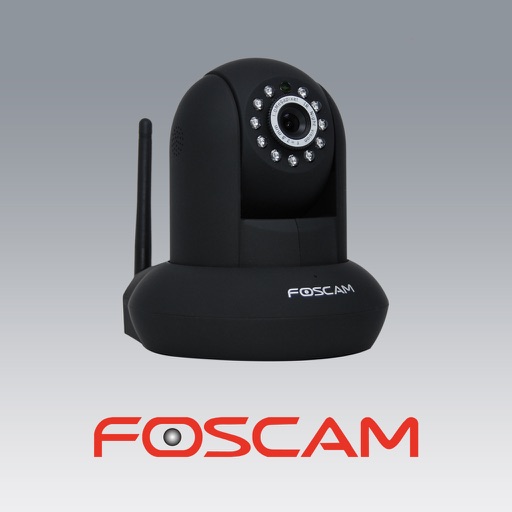
The app allows users to view and control Foscam IP cameras from an iPhone or iPad. Users can watch their home, kids, and pets remotely with a 3G or WiFi connection.
Control Nikon or Canon DLSR cameras via hardware. Adjust settings like ISO, aperture, and shutter speed. Perform live view touch focusing and remote capture. View high-resolution images and manage focus adjustments directly from an iOS device.
Monitor and control security cameras with real-time preview and playback. Adjust PTZ cameras and manage E-map layouts. Support multi-touch gestures and video playback. Access camera feeds and control DVR/NVR systems remotely.
Record video from multiple cameras simultaneously. Switch between camera angles during recording. Capture selfies and scenery in one shot. Share videos directly to social platforms like Instagram and TikTok. Supports iPhone XR and newer models.
Control a drone via WiFi for real-time image and video streaming. Adjust flight path using manual, gravity sensing, trajectory, or voice command controls. Capture photos and videos manually or through the drone’s hand-held camera.
Monitor and control smart home security devices in real-time. Arm, disarm, and view camera feeds remotely. Receive alerts for motion and contact sensor changes. Manage devices like CubeOne, Contact Sensor, and iCamera KEEP.
Control home devices remotely from any location. Schedule automatic on/off times for lights and equipment. Create custom lighting, audio, and environmental settings for events. Use voice commands for simple control.
The app allows homeowners and property managers to control a Leviton system. Users can adjust lighting, temperature, security, surveillance, and audio from their iPhone or iPod Touch.
View live video feeds from DVRs, NVRs, and IP cameras remotely. Add devices to an account and access real-time footage. Playback recorded videos to review past events. Receive instant notifications when motion detection alarms are triggered.
Control a four-axis drone via iOS device. View real-time video feed from the drone using WiFi. Capture photos and videos directly from the mobile phone.
View live video from wireless IP cameras. Record and save video to mobile device or microSD card. Playback recorded footage. Set up cameras on local Wi-Fi. Configure motion detection and other settings. Access cameras remotely from anywhere.