The app provides details about airplanes using the tail number or owner name. It displays owner addresses and plane details, along with pilot certifications and airport information by code or city.
by Randolph W Duerr★ 4.33 ratingsReferenceFreeData updated 2026-10-22
Tap to reveal behind cards and match identical pairs. Features include simple touch controls, adjustable difficulty levels, and interactive sound effects. Track progress and replay sessions for repeated gameplay.
Explore airport operations with engaging activities.
The app features 10 airport-themed activities. Users can help with tasks like stamping passports, managing luggage, and guiding planes for safe landings.
Through interactive games and activities. Practice vocabulary and grammar with speaking exercises. Complete quizzes to test knowledge. Track progress with built-in assessments. Sync lessons across devices for continued learning.
Sort luggage onto conveyor belts by quantity and color. Match bags to correct destinations. Complete tasks to ensure safe . Learn airport operations through interactive gameplay.
Create circuits using logic gates and basic building blocks. Wire components on a flexible plane. Simulate real-time behavior. Learn fundamental concepts of engineering and computer science.
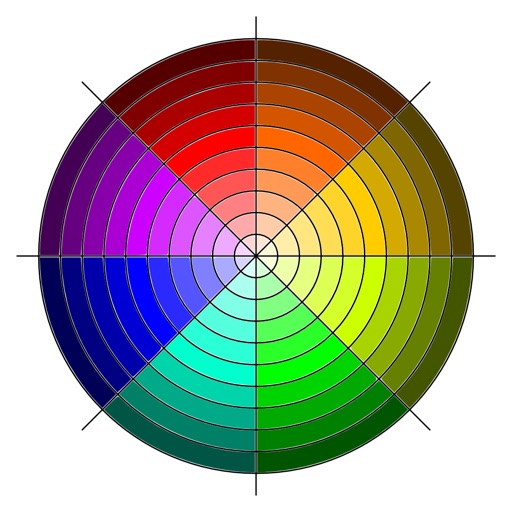
The app transforms an image mapped to the complex plane using a complex function parser. Users can select predefined images or import their own, then export or share the resulting image.
The app features three scenes with interactive adventures for children aged 3 to 6. Kids can uncover surprises and learn about airport areas through detailed stories and activities.
Simulate RC plane flights with realistic models and environments. Choose from various aircraft and flying fields. Adjust controls for precise maneuvers. Save and load flight sessions. Access detailed tutorials and in- guidance.
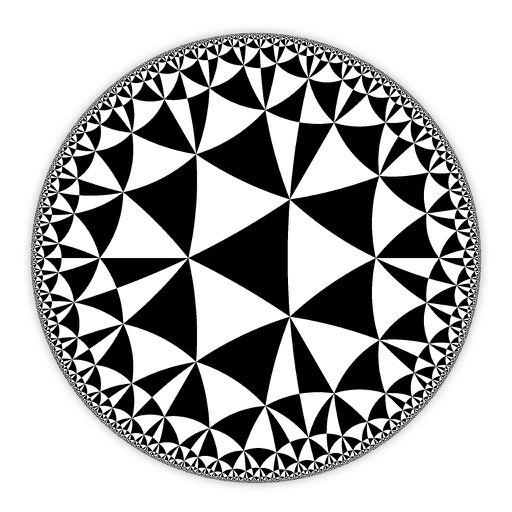
Create and customize hyperbolic patterns using Poincare Disk geometry. Adjust motifs to repeat infinitely within the circular space. Explore non-Euclidean designs with scalable, recursive visuals. Export patterns in various image formats.
Simulate aircraft instrumentation with real-time data display and customizable settings. View altitude, speed, and heading. Connect via Wi-Fi to compatible MFD apps for additional navigation data.
5 offers curriculum-aligned exercises based on US Common Core standards. Students practice arithmetic, fractions, and geometry. Activities include problem-solving with a scratch pad for handwritten calculations.
Calculate coordinates and grid squares for projects
Offers calculators for designing radios and antennas. Users can find latitude and longitude from a maidenhead square or vice versa. Calculate distances between squares. Convert units. Locate current position.
The app allows children to build 3D airplanes by adding parts like propellers and wings. Once assembled, the planes take off, encouraging discovery and learning through play.