Use motion gestures to create rhythmic sounds. Shake or move the phone to trigger shaker-like noises. Adjust sensitivity for different effects. Sync with audio apps for live performance or recording.
by Charlie Williams★ 4.5331 ratingsMusic$0.99Data updated 2026-11-26
The app provides a percussion loop library with hundreds of loops and samples played by a professional. It includes 13 styles with Audiobus and Inter App audio support, featuring instruments like congas, shakers, and djembe.
Learn to identify intervals by associating them with melodies from popular songs. Receive immediate feedback after each guess. Incorrect answers trigger a melody starting with the correct .
Create music using finger movements to trigger musical rules and interactions. Adjust sound parameters in real time. Save and export compositions. Sync with MIDI devices. Customize gesture-based controls for unique playing styles.
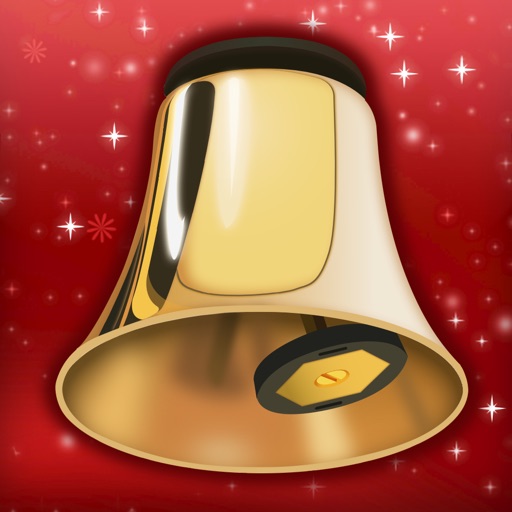
Play Christmas songs using handbells. Tap to ring individual or shake the phone for jingles. Choose from 20 songs including "Jingle " and "Joy to the World." Adjust pitch with the clef. Access a set of 15 handbells to create custom melodies.
Find chord diagrams for guitar, ukulele, and mandolin. Enter chord names to view different voicings or adjust diagrams to identify new chords. Hear how each chord sounds. Supports alternate tunings.
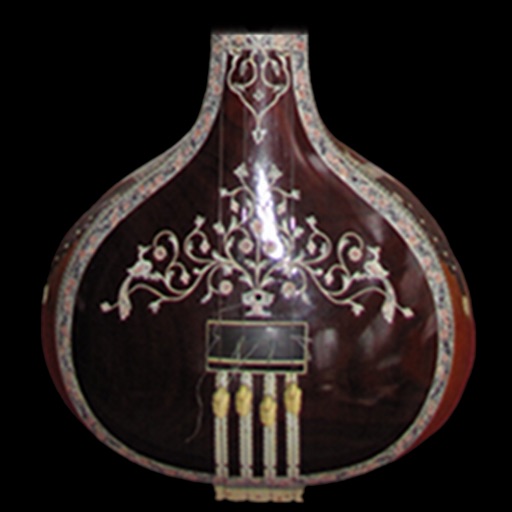
The app provides high-fidelity, full-stereo recordings of a real acoustic Tanpura. It offers natural overtones and resonance, making it a preferred choice over synthetic alternatives for students, teachers, and performers.
Create and customize music with drum loops across 15 genres. Tune instruments using a precise . Record and edit audio. Share tracks directly. Sync with other devices. Adjust effects and mix sounds.
Play effects like horns, comical farts, and clipper noises. Simulate realistic dryer sounds with vibration feedback. Share custom effects and trigger surprises through notifications.
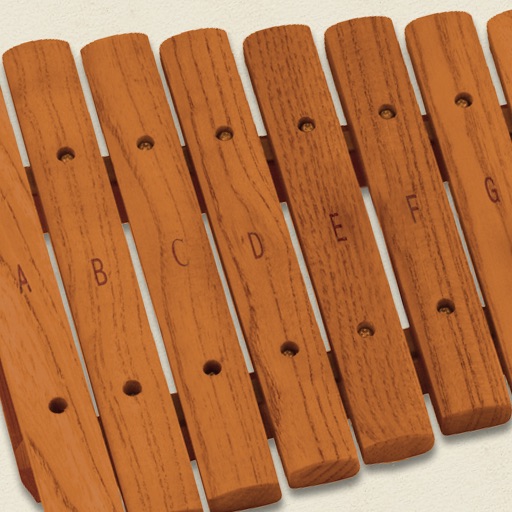
The app simulates a marimba, a percussion instrument with wooden keys arranged like a piano. It produces musical tones when struck with mallets, offering a chromatic layout for performers.
Practice on by matching finger positions to notes in the key of C. View music notation in sheet music format. Track progress and receive feedback on accuracy. No ads or in- purchases.
Create drum sounds and synthesize vocals using a 24-part sound engine. Use a pattern sequencer to arrange beats. Apply effects including a Phrase Vocoder that converts text to vocal-like sounds. Adjust vocal characteristics such as gender.
Create and customize sounds by describing them. Use the Preset Generator to transform text into unique sound presets. Adjust color-based sound parameters to shape tones and rhythms. Export and share custom sound creations.
Allows users to practice ear by playing back pitches on their instrument. The uses pitch recognition to identify notes and provides feedback. Users can select different instruments and practice identifying and replicating musical notes.
Create and play music by drawing shapes and triggering sounds. View visual feedback as music plays. Access 88 instruments organized into 22 groups. Use in- purchases for full features. Sync with Apple Health.
Generate tones and sounds at specific frequencies. Create single or multiple tones. Use musical note presets. Produce binaural beats. Generate SFX sounds. Analyze waves. Perform tests. Adjust settings.
The app creates unusual soundscapes, atmospheric textures, drones, glitches, and noises using circuit bending principles. It offers filtering, mixing, and MIDI control for real-time sound creation and improvisation.