The app adds the date, time, and GPS location to a QR image. Users can retrieve photos from their library and view picture information such as shutter speed, exposure time, aperture, and brightness.
by jose javier fernandez mendoza★ 0.00 ratingsPhoto & VideoFreeData updated 2026-10-22
Edit photos using advanced tools like Curves, Selective Saturation, Vignette, Sharpen, Contrast, Exposure, and Tone. Apply Dust and Leak overlays for stylistic effects. Adjust brightness, color, and clarity. Save and share edited images directly.
The app allows users to combine text and pictures into a single long image. Users can upload photos, add text, and customize fonts, colors, and backgrounds.
Capture photos with adjustable aperture and optical
Capture photos with DSLR-like quality using prime lenses and adjustable aperture for natural bokeh. Preview focal lengths before shooting. Fine-tune focus and framing in Apple Photos. Launch quickly from Camera Control or Action button.
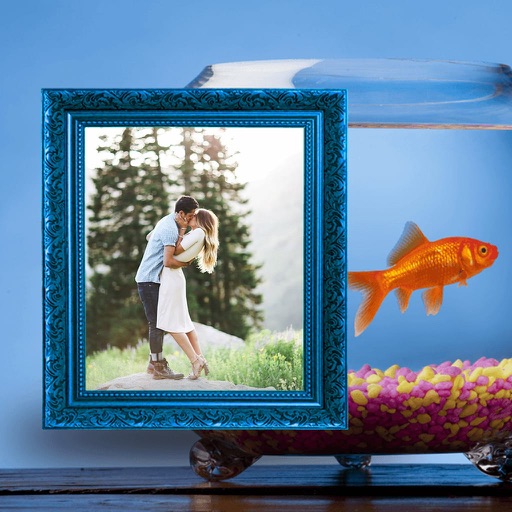
The app allows users to combine multiple photos into a single framed picture. It offers a powerful editor with options for effects, adjustments, borders, text, and cropping.
Capture and annotate live video with masks, spotlights, and picture-in-picture. Take snapshots and record sessions. Adjust image properties including scaling, rotation, resolution, and exposure.
Edit photos by selecting from the gallery or capturing with the camera. Apply multiple and effects. Adjust image position, size, and angle. Save, share, or upload photos to social networks like Facebook and Twitter.
Organize and manage photos and videos with duplicate cleaning and smart sorting. Lock sensitive media in an encrypted . Set passwords and access restrictions for private content. Export and share media directly from the .
Capture photos with GPS integration for accurate location tagging. Sync images with Google Maps for geotagging. Add timestamps to photos. Share geotagged images directly from the . View location details on maps. Export photos with metadata.
Edit photos by selecting from the gallery or capturing new ones. Apply various and effects. Adjust image position, size, and angle. Save, share, or upload photos to social media platforms like Facebook, Twitter, and email.
Create photo collages, scrapbooks, greeting cards, calendars, albums, and posters. Choose from 50+ templates. Add photos, adjust layouts, and customize designs. Share finished projects with friends and family.