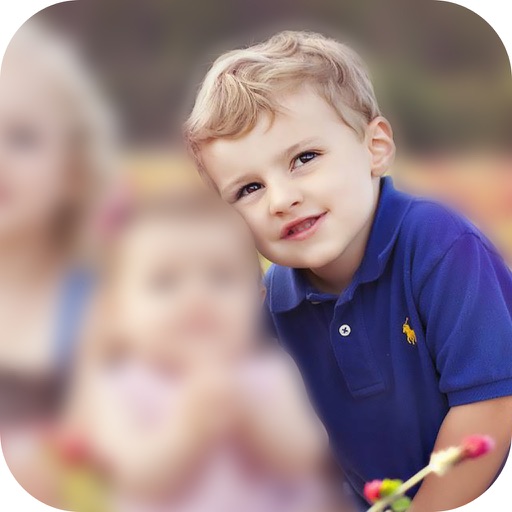
The app allows users to customize iPhone, iPhone X, or iPad wallpapers with a blur effect. Users can apply the effect to included wallpapers or their own photographs and draw on images with included brushes.
by KISSAPP, S.L.★ 4.1115 ratingsProductivityFreeData updated 2026-10-22
Create fashion designs using 1,800+ templates and material brushes for fabric textures. Use technical brushes for production drawings. Generate AI-powered videos. Arrange layouts on presentation boards.
Enables users to highlight mouse pointer and click actions with customizable visual effects. Adjust effect type, size, color, opacity, and blur for the pointer.
Create and manage unlimited to-do lists with priority sections for tasks. Mark items as completed, view total completed count, and swipe through past entries. Instantly search for items via Google. Customize with 12 themes.
Edit photos with mosaic, pixelation, vignette, overlays, and HDR effects. Apply shattering effects with real-time adjustments. Export edited images in various formats and share directly.
Creative drawing tools allow users to draw, color, and design with brushes, textures, and shapes. Access a variety of pages featuring animals and educational themes. Erase, resize, and customize artwork. Save and share completed drawings.
Customize home screen with icons, wallpapers, photo widgets, and transparent widgets. Replace default launcher with custom options. Pro version offers unlimited wallpapers, categories, and future features.
The app allows users to recolor photos and apply color effects. Users can choose from 66 vivid colors or black and white to decorate images, with options to adjust brush size, intensity, and translucence.
Batch blurring allows users to faces and license plates across multiple photos simultaneously. Select specific faces or plates to keep sharp and adjust intensity. Protect sensitive data by ensuring private information remains obscured.
Customize layout with themes and hide elements like Shorts, comments, and ads. Enable auto-fullscreen and remove sidebars. Use AI video summaries and content filters. Set automation rules and focus tools to enhance productivity.
Add to automate tasks within the Shortcuts . Create custom workflows using pre-built functions. Trigger via voice or button. Requires launch and device restart to display due to an iOS bug.