Operate and monitor automation processes anywhere.
The app operates and monitors automation processes for industrial and building automation. It allows users to call up websites created with e!COCKPIT or CODESYS version 2 to retrieve system status or perform operations.
Create buttons, , or - shortcuts to launch websites, apps, and automations. Paste URLs and customize names, icons, and colors. Deep- into apps, run Shortcuts, and trigger web-based actions from your device.
The app builds a Smart Home automation system using the ModbusTCP Ethernet protocol. It enables data exchange with industrial controllers supporting this interface.
The app provides touch control for audiovisual projects and home automation systems. It is compatible with modern Ethernet-enabled control systems and supports all screen sizes.
The app monitors periodic processes and sends notifications when they do not occur. It shows the status of all monitored processes, providing immediate alerts for failures.
Access real-time CAD data during station, vehicle, and field operations. View mapping, status monitors, and vehicle/person history. Query information and receive dispatch updates. Syncs with CAD and for Windows versions 4.4 to 4.6.19.
View and analyze geographic data offline without GIS software or training. Download topographic, street, and satellite maps. Import ESRI Shapefiles and KML/KMZ files. Display attribute fields like descriptions, photos, addresses, and dates.
Access controllers remotely and view HMI interfaces
Access controller interfaces remotely to monitor and operate automation processes. View and interact with HMI screens, adjust parameters, and track alarms and trends. Manage multiple controllers from one device.
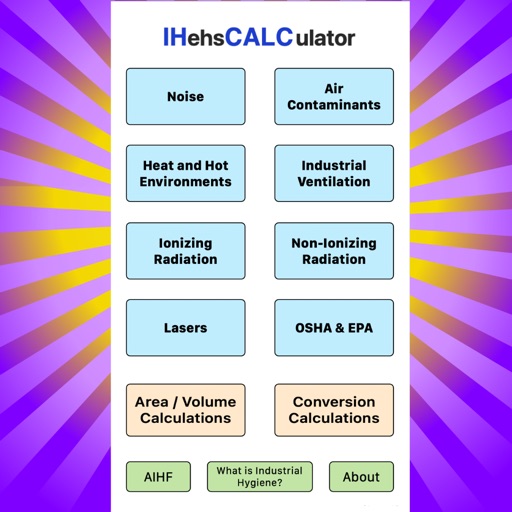
Solve environmental health and safety equations with built-in formulas. Calculate exposure risks, chemical concentrations, and ventilation rates. Input variables and view step-by-step results. Share solutions via email or copy text.
The app provides workforce automation using wireless mobile communication and field service dispatching. It helps utilities manage mobile resources, enhancing efficiency and productivity.
Monitor and adjust PM PLUS and EZ-ZONE PM controllers via Bluetooth. View and modify parameters with plain text labels and help explanations. Access inputs, control settings, alarms, and outputs from the home page or "All Parameters" section.