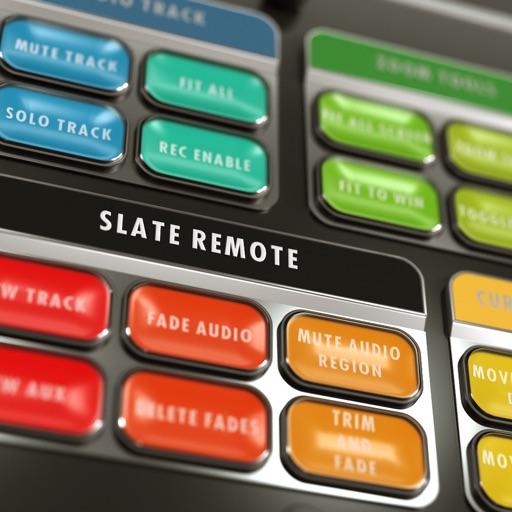
Store lyrics, chord charts, and song metadata. Organize song sets and manage performance order. Control on-stage equipment remotely. Share files with band members. Sync across devices and export to PDF or print.
The app teaches note recognition and sight-reading skills through a musical game. It features an animated character and adjustable difficulty for players of all ages and skill levels.
Create and edit progressions with inversions, sus2, sus4, 7th, and 9th chords. Play chords as piano or synth or send MIDI to macOS. Use phone as MIDI keyboard for macOS. Practice reading musical notation.
Create and edit MIDI sequences with step sequencing. Control tempo, patterns, and effects. Transpose, manipulate, and mutate patterns. Trigger performance options via MIDI keyboard. Export and share MIDI files.
Control playback of backing tracks from a device. Connect via a 4-digit passcode. Manage volume, pause, and queue songs. Up to 5 iOS devices can connect simultaneously. Switch between tracks and adjust settings from the .
Create and manipulate string-like sounds using physical modeling synthesis. Adjust string tension and delay settings for tone shaping. Play with a 25-key keyboard or MIDI controller. Apply stereo delay and filter effects to modify sound output.
Create and manipulate granular audio with real-time sound file granulation. Generate effects like time/pitch shifting and intricate textures. Record, scrub, and shape envelopes. Manipulate buffers and explore complex scrub pads.
Create and control up to 8 synthesizers simultaneously using a built-in keyboard or step sequencer. Connect external MIDI devices for input. Adjust sounds with a dynamic compressor and 10-band graphic equalizer.
Record and edit audio with MIDI compatibility and learn support. Access factory presets for strings, organs, pianos, and synths. Use four effect sections including reverb and chorus. Adjust stereo width, mono switch, and note hold.
Load SoundFont and DLS libraries for access to a wide range of instruments. Support General MIDI setup. Use Hi-Res Engine for clean, low-noise audio. Integrate as a plug-in instrument in DAWs. Perform audio processing with floating-point precision.