The app creates double exposure edits from two randomly selected images. Users shake the device to generate a new edit and have seven seconds to decide whether to save or discard it.
by STETTINER★ 3.25 ratingsPhoto & VideoFreeData updated 2026-10-21
Create scary images by adding ghosts, snakes, and other effects. Crop and resize photos freely. Position and rotate guides. Apply effects and edit directly. Share via Facebook, Twitter, or email.
HC MAKER - PHOTO LOGO BACKGROUND EDITOR APPS FOR FREE
Apply filters and share photos
Edit photos by importing or taking a picture, then applying curated filters designed by professional photographers. Save edited images and share them directly. Access a library of free images for inspiration.
Play sounds and effects with customizable triggers and sensitivity settings. Use buttons, prank features, and games. Listen to despicable farts, poo sounds, and music. Set up automatic detection with voice or noise triggers.
Edit photos to create formats without cropping. Add blurred backgrounds to full-size images. Resize, rotate, and adjust photos. Save in high quality and share directly.
The app allows users to create picture collages on iPhone or iPad. It offers features like shaking to shuffle, finger manipulation of photos, and various sharing options.
Edit photos with 60+ high quality filters and 10 types of grain effects. Adjust exposure, shadows, and contrast. Add bloom for highlights and soften the image. Export edited photos in various formats.
The app allows users to add 3D objects to photos and videos. Users can select from various model packs and visual styles, then adjust shadows and use masking tools for realistic blending.
Digitize negative and positive color films with high-quality scanning. Edit scanned images using intuitive tools. Adjust exposure, contrast, and color balance. Save and share edited photos directly.
Edit photos with filters, overlays, and effects. Create collages and visual stories. Track pregnancy milestones and growth. Add text and stickers to photos. Share edited images directly.
Edit photos using presets, crop, straighten, adjust exposure, saturation, brightness, contrast, and shadows. Apply textures to enhance images. Save and share edited photos directly.
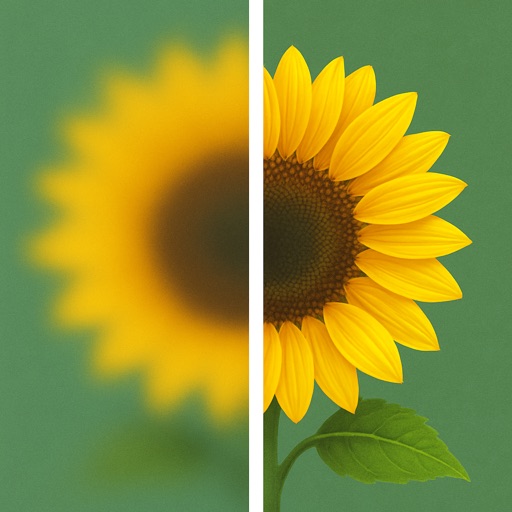
Uses AI to enhance blurry photos. Users can restore out-of-focus images with machine learning algorithms. One-tap processing allows quick restoration. Adjust brightness, contrast, and sharpness manually. Export enhanced photos in various formats.
The app allows users to create glowing artworks by spinning. It features colorful glow brushes, recording and playback functionality, and the ability to save creations to the camera roll.
Manage photos with a clear timeline to highlight memorable days. Create collections to organize and share moments. Edit images and videos with lighting, contrast, and color adjustments plus 16 filters.
Create personal time-lapse videos by capturing and adjusting photos. Set reminders, change order and timings, and preview FaceSlides anytime. Choose from seven camera overlays or import multiple photos. Watch videos on Apple Watch.
Create -style images from photos using AI-powered filters. Apply effects like toonify, child, and yellow head. Edit faces and generate 3D avatars. Share edited images directly.