Create unique ceramics by shaping, texturing, and drawing on virtual clay. Save and share finished pieces with friends or on social media. Track progress and revisit past creations.
Create and sell original art to progress through the game. Paint on a canvas with customizable brushes and colors. Interact with customers to negotiate prices and gain feedback. Manage resources like wine and baguette to avoid addiction.
Sketching and doodling apps offer tools for creating and editing drawings. Users can choose between sketching, doodling, or learning through kid-friendly features. Apps include drawing pads, color tools, and interactive learning options for children.
The app allows users to draw chemical structures and reactions. It calculates cheminformatics properties and supports file sharing via Dropbox and email.
The app presents a logic puzzle for touch screens. Users draw rails to create a working monorail system, connecting all stations to form a single loop.
The app provides drawing tutorials broken into 11 steps with additional tips for illustrating portraits. Users can learn techniques at their own pace, whether using physical tools or a drawing app.
The app allows users to create original memes using templates and add their own text. Users can select from various meme formats and share their creations on the web.
To draw with step-by-step visual guides that break down illustrations into simple steps. Choose from drawings of animals, characters, and vehicles. Draw on real paper while the device shows instructions.
Create drawings and color images with tools for filling, erasing, and selecting colors. Choose from themed pages featuring animals, vehicles, dinosaurs, and space. Save and share completed artwork.
The app allows users to create flashcards with rich text and images. It offers millions of downloadable flashcards and 16 study games, all connected to a spaced repetition system for progress tracking.
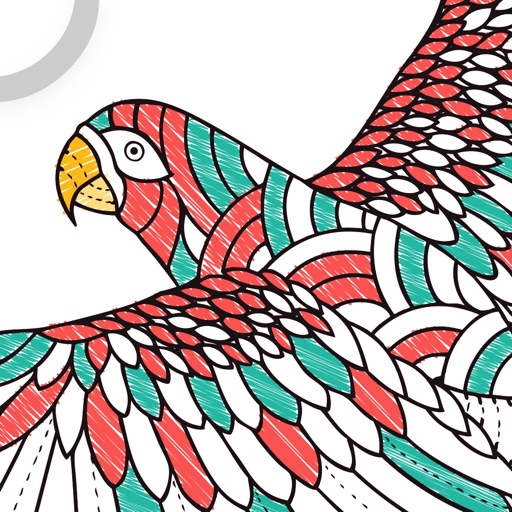
Color and draw with Millie Marotta's illustrations
Allows users to explore detailed illustrations of plants and animals. Choose from three themed packs. Use finger or Apple Pencil for drawing. Adjust colors and shades with specialized tools. Save and share completed artwork.
Upload photos and apply visual effects to enhance results. Draw on images, add text, and share posts with others. Comment and connect with users facing similar situations. Access informational articles for general guidance.
The app allows users to draw and play in 3D using various shapes, animations, and colors. Physics simulation and effects can be enabled for additional enjoyment, and users can export images and videos of their creations.
The app allows users to create and print custom Bingo cards quickly. Users can decide the number of cards per page and download existing cards from a catalog.
Create drawings using AR tools, trace real-world objects in real-time, and convert photos into sketches. Access a library of templates for design projects. Share artwork directly from the .
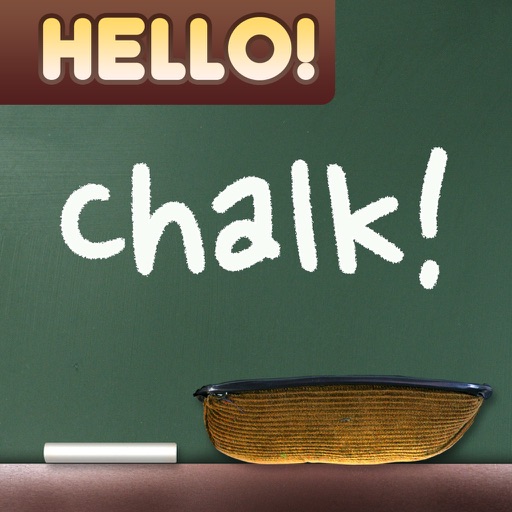
Create drawings with realistic , blackboard, and marker pen textures. Add sound effects during drawing. Use an intuitive interface to sketch lunch menus, todo lists, and humorous images.
Text through familiarization with selective letter and word removal, tap-to-reveal features, and speech-to-text playback. Reinforce retention with unscramble, fill-in-the-blank, and typing exercises. Track progress and review memorized content.
Learn drawing basics with step-by-step lessons. Draw faces, superheroes, and manga characters. Use the device's camera to compare drawings with lesson examples. Access previous photos for comparison on iPod touch.