PLAY AND LEARN EDUCATIONAL GAMES FOR KIDS PLEI END LERN EDYUKESHINAL GEIMS FO KIDS, TOO
Color pictures and create art
Pages allow users to select and customize colors. Choose from various brushes and tools. Create and save original artwork. Learn to count and solve basic math problems through interactive activities. Share completed drawings with others.
Create and organize digital index cards for brainstorming, planning, and task management. Drag and arrange cards freely. Add text, images, and notes. Group cards into folders. Export or share content as needed.
Access cards with mandalas for spiritual guidance. Tap to draw cards and receive messages from angels, ascended masters, and goddesses. Learn about divine healing and channel energy for personal empowerment.
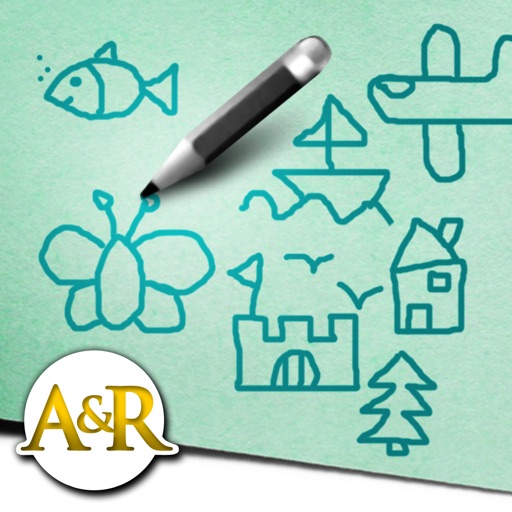
Create and customize stick figures with drawing tools. Add expressions, clothing, and accessories. Save and share drawings. Explore interactive scenes with hand-crafted animations. Import and export artwork.
Baby Love Draw allows children to color images of animals, objects, and vehicles. Features include pronunciation guides for each picture, interactive tools, and parent-assisted learning through repeated name repetition.
Allows users to ask questions, receive instant answers, and engage in conversations. It supports generating AI images, learning coding and languages, and exploring trends.
Converts AI-generated text into natural, human-like writing. Detects whether content is written by AI or a human. Allows users to refine text for clarity and authenticity.
Allows children to color and draw using a variety of templates and tools. Features include adjustable brush sizes, color palettes, and undo functions. Users can save and share artwork.
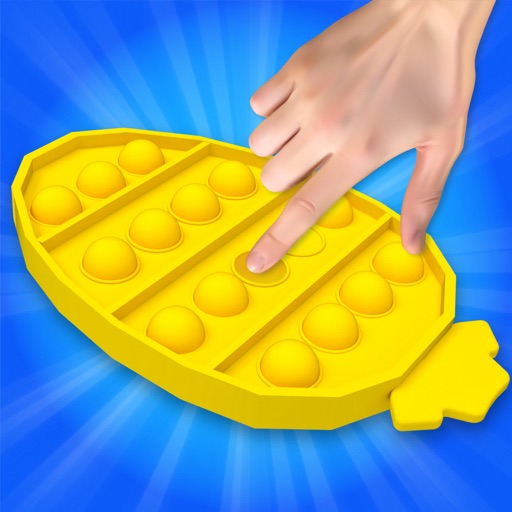
Relax with interactive stress-relief games. Tap buttons, draw with chalks, and play with wooden boxes. Listen to bamboo chimes and swish fingers in water. Solve the fifteen puzzle and interact with a Newton's cradle.
Provides daily with inspirational quotes and Bible verses. Allows users to set , customize themes, and share favorite images. Includes daily devotionals and prayer prompts.
Write on PDFs, create notebooks with customizable templates, sketch notes on a large freeform canvas, and take notes on vertically extended pages. Organize content across different document types and layouts.
Allows users to create drawings using realistic strokes. Users can choose colors, adjust brush sizes, and apply effects. Artwork can be saved, shared, or exported. The interface supports freehand drawing and coloring activities.
Create art by placing pixels on a canvas. Choose from various images like unicorns, dinosaurs, and food. Draw following numbered guides to fill sections. Receive feedback with a satisfying click sound when diamonds are correctly placed.
The app allows users to select a region, cinema, and film to view showtimes and book or purchase tickets. Users can choose seats from a map and decide whether to reserve them for pickup or buy them for immediate collection.
Record and replay swings without sensors. Track ball flight and draw trajectories. Automatically generate and print sequence photos. Analyze mechanics with instant replay. Create and share detailed profiles for training and coaching.
Create original stickers from photos and videos. Crop, resize, and adjust stickers. Add text or drawings. Share stickers directly with contacts. Sync with to use in chats.
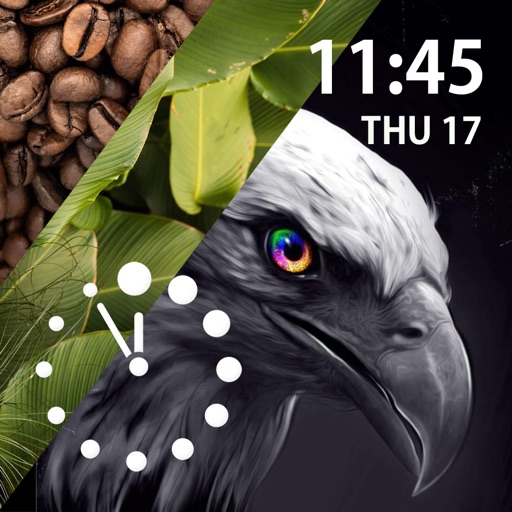
Select and customize animated for Apple . Choose from categories like Abstract and Ani. Download to Photos, select them on iPhone, and share to create a face. New added weekly.
Create floor plans by drawing with fingertips. Adjust layouts, furniture, and color schemes. Use AR to visualize designs in real-time. Share plans with friends. Measure spaces and sketch walls for accurate planning.
Learn commonly used English words with meanings, Arabic translations, antonyms, definitions, and examples. Share the via social media, email, or text. Includes approximately words with more added in future updates.